-

Engagez-vous auprès de vos clients et participants en utilisant les suivis WooCommerce
IMPORTANT : A compter du 31 mai 2023, WooCommerce a retiré l'extension WooCommerce Follow-Ups et recommande à ses clients d'utiliser leur extension AutomateWoo. WooCommerce Follow-ups n'est plus disponible à l'achat sur WooCommerce.com. WooCommerce continuera à supporter son extension WooCommerce Follow-ups jusqu'en mai 2024, cependant, il semble qu'aucune autre mise à jour du plugin ne sera publiée par WooCommerce. Nous avons mis en place une intégration similaire
-

Ce qui s'est passé à FooEvents
Puisque la nouvelle année bat son plein et que l'équipe de FooEvents a travaillé dur sur des mises à jour de produits passionnantes qui seront publiées cette année, nous avons pensé que ce serait une bonne idée de mettre en évidence quelques-unes des améliorations clés et des améliorations que nous avons déployées en 2018. FooEvents pour WooCommerce Nous avons mis en œuvre
-
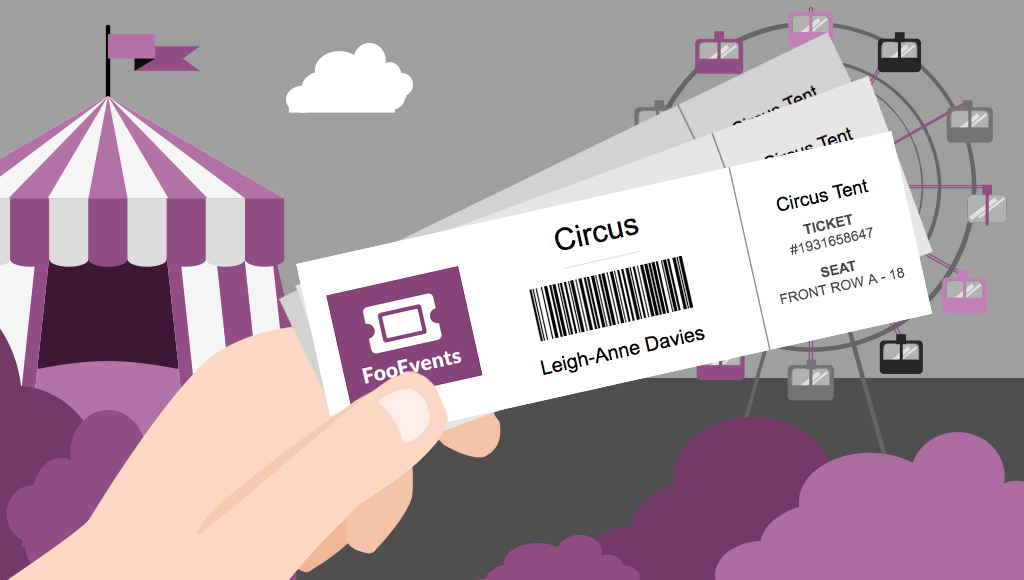
Vendre des billets n'importe où grâce à la fonctionnalité d'impression de billets
Would you like to be able to hand your event attendees a physical ticket? Are you looking for a way to sell tickets at your event or perhaps to a class or tour? We’ve got you covered! The new FooEvents “Print Tickets” functionality is now a standard feature in FooEvents for WooCommerce which allows you to…
-

Rendez votre événement exceptionnel avec des badges pour les participants
UPDATE: The new FooEvents Stationery Builder has replaced the attendee badge functionality and you can now design and print custom name tags, wristbands, tickets, badges and personalized labels through an intuitive drag & drop interface. Would you like name tags, badges or personalized labels for the attendees at your event? We thought so! This is…
-

Soyez créatifs avec les thèmes de billets du FooEvents - Partie 1
Do you want to customize the tickets that your customers receive beyond the standard options? In Get Creative with FooEvents Ticket Themes – Part 1 we explained what FooEvents Ticket Themes are and how to use them. In this post we will show you how you can access and modify the source files for the…
-

Comment se préparer à de grands événements comme un pro avec FooEvents
You’ve used FooEvents to sell tickets, and now your large event is fast approaching. When you’re checking in thousands of attendees at an event, every second counts. Even if you have less than 1,000 attendees, a delay of a single second for each check-in amounts to over 16 minutes of lost time. In this post…
-

Soyez créatifs avec les thèmes de billets du FooEvents - Partie 1
FooEvents recently launched a brand new feature that allows you to change the way your email tickets look. With this new functionality you can use a professionally designed ticket template and upload your own logo and header image to match your event’s brand. If you haven’t already seen the available ticket themes, head over to…
-

Introduction à WordPress et WooCommerce
If you are an event manager and have just discovered FooEvents, you are probably very excited to have found the perfect solution to selling tickets online. You might, however, be new to WordPress and WooCommerce and find the whole mix of software a bit intimidating. Fear not, we have written a short guide that will…
-

Comment créer différents types de tickets dans FooEvents en utilisant les variations et les attributs de WooCommerce ?
One of the many strengths of FooEvents is that it leverages powerful functionality that is built into the WooCommerce core. A good example of this is the way FooEvents uses WooCommerce Variable products to create different ticket types. For example, you may need to sell different types of tickets at various prices based on the area…
-

Comment créer des événements sur plusieurs jours à l'aide du plugin FooEvents Multi-day
You asked and we listened! Based on your feedback, we recently released a major update to the FooEvents Multi-day plugin which makes it possible to create events that repeat on specific calendar days. Using the FooEvents Multi-day plugin you can sell tickets that will give your attendees access to the event over multiple calendar or…

 English
  German
  Dutch
Dutch  Spanish
  Italian
  Portuguese
  French
  Polish
  Greek
Greek