-

Treten Sie mit Ihren Kunden und Teilnehmern in Kontakt - mit WooCommerce Follow-ups
MPORTANT: As of 31 May 2023, WooCommerce has retired the WooCommerce Follow-Ups extension and recommends customers rather use their AutomateWoo extension. WooCommerce Follow-ups is no longer available for purchase on WooCommerce.com. WooCommerce will continue to support its WooCommerce Follow-ups extension until May 2024, however, it appears no further plugin updates will be released by WooCommerce. We have implemented a similar integration with AutomateWoo which we recommend as…
-

Was sich bei FooEvents getan hat
Da das neue Jahr nun in vollem Gange ist und das FooEvents-Team hart an einigen spannenden Produktaktualisierungen gearbeitet hat, die dieses Jahr veröffentlicht werden, dachten wir, es wäre eine gute Idee, einige der wichtigsten Verbesserungen und Erweiterungen hervorzuheben, die wir 2018 eingeführt haben. FooEvents für WooCommerce Wir haben implementiert
-
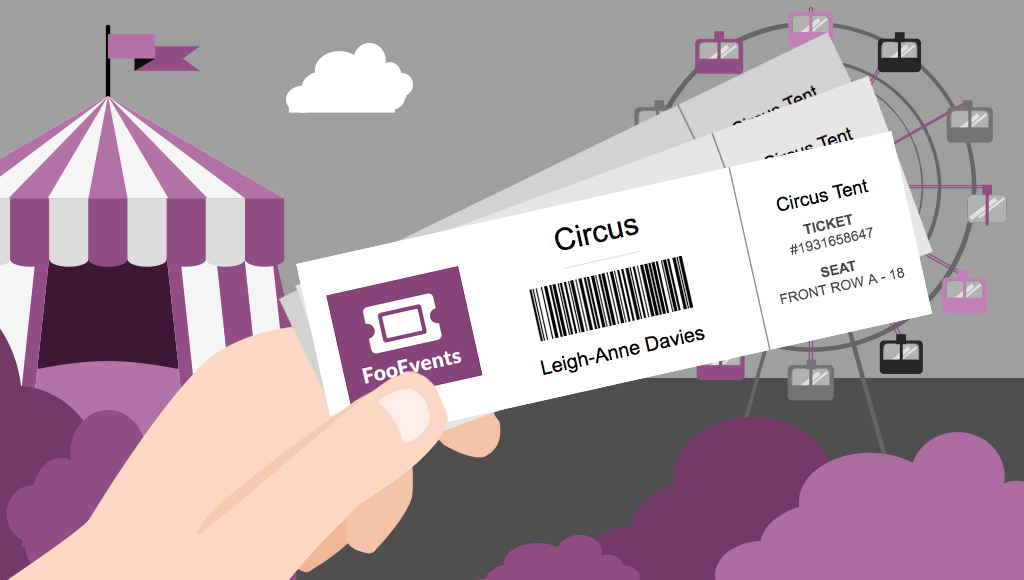
Verkaufen Sie Tickets überall mit Ticketdruckfunktionalität
Would you like to be able to hand your event attendees a physical ticket? Are you looking for a way to sell tickets at your event or perhaps to a class or tour? We’ve got you covered! The new FooEvents “Print Tickets” functionality is now a standard feature in FooEvents for WooCommerce which allows you to…
-

Machen Sie Ihre Veranstaltung mit Teilnehmerausweisen außergewöhnlich
UPDATE: The new FooEvents Stationery Builder has replaced the attendee badge functionality and you can now design and print custom name tags, wristbands, tickets, badges and personalized labels through an intuitive drag & drop interface. Would you like name tags, badges or personalized labels for the attendees at your event? We thought so! This is…
-

Werden Sie kreativ mit FooEvents-Ticket-Themen - Teil 1
Do you want to customize the tickets that your customers receive beyond the standard options? In Get Creative with FooEvents Ticket Themes – Part 1 we explained what FooEvents Ticket Themes are and how to use them. In this post we will show you how you can access and modify the source files for the…
-

Wie man sich mit FooEvents wie ein Profi auf Großveranstaltungen vorbereitet
You’ve used FooEvents to sell tickets, and now your large event is fast approaching. When you’re checking in thousands of attendees at an event, every second counts. Even if you have less than 1,000 attendees, a delay of a single second for each check-in amounts to over 16 minutes of lost time. In this post…
-

Werden Sie kreativ mit FooEvents-Ticket-Themen - Teil 1
FooEvents recently launched a brand new feature that allows you to change the way your email tickets look. With this new functionality you can use a professionally designed ticket template and upload your own logo and header image to match your event’s brand. If you haven’t already seen the available ticket themes, head over to…
-

Einführung in WordPress und WooCommerce
If you are an event manager and have just discovered FooEvents, you are probably very excited to have found the perfect solution to selling tickets online. You might, however, be new to WordPress and WooCommerce and find the whole mix of software a bit intimidating. Fear not, we have written a short guide that will…
-

Wie man verschiedene Ticketarten in FooEvents unter Verwendung von WooCommerce-Variationen und -Attributen erstellt
One of the many strengths of FooEvents is that it leverages powerful functionality that is built into the WooCommerce core. A good example of this is the way FooEvents uses WooCommerce Variable products to create different ticket types. For example, you may need to sell different types of tickets at various prices based on the area…
-

So erstellen Sie mehrtägige Veranstaltungen mit dem FooEvents Multi-day Plugin
You asked and we listened! Based on your feedback, we recently released a major update to the FooEvents Multi-day plugin which makes it possible to create events that repeat on specific calendar days. Using the FooEvents Multi-day plugin you can sell tickets that will give your attendees access to the event over multiple calendar or…

 English
  German
  Dutch
Dutch  Spanish
  Italian
  Portuguese
  French
  Polish
  Greek
Greek