-

Ga de dialoog aan met je klanten en deelnemers met behulp van WooCommerce Follow-ups
MPORTANT: Met ingang van 31 mei 2023, heeft WooCommerce met pensioen de WooCommerce Follow-Ups extensie en raadt klanten in plaats daarvan gebruik maken van hun AutomateWoo extensie. WooCommerce Follow-ups is niet langer beschikbaar voor aankoop op WooCommerce.com. WooCommerce blijft zijn WooCommerce Follow-ups extensie te ondersteunen tot mei 2024, maar het lijkt geen verdere plugin updates zullen worden vrijgegeven door WooCommerce. We hebben een soortgelijke integratie
-

Wat is er gebeurd bij FooEvents?
Aangezien het nieuwe jaar nu in volle gang is en het FooEvents-team hard heeft gewerkt aan een aantal spannende productupdates die dit jaar zullen worden uitgebracht, dachten we dat het een goed idee zou zijn om een paar van de belangrijkste verbeteringen en uitbreidingen die we in 2018 hebben uitgerold, onder de aandacht te brengen. FooEvents voor WooCommerce We hebben geïmplementeerd
-
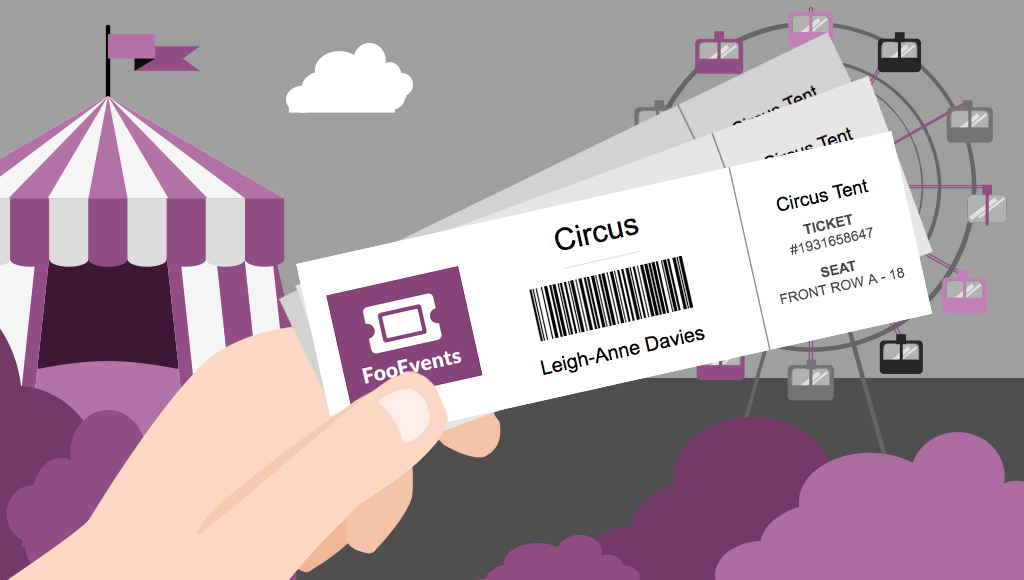
Verkoop overal tickets met de functionaliteit om tickets af te drukken
Would you like to be able to hand your event attendees a physical ticket? Are you looking for a way to sell tickets at your event or perhaps to a class or tour? We’ve got you covered! The new FooEvents “Print Tickets” functionality is now a standard feature in FooEvents for WooCommerce which allows you to…
-

Maak je evenement uitzonderlijk met bezoekersbadges
UPDATE: The new FooEvents Stationery Builder has replaced the attendee badge functionality and you can now design and print custom name tags, wristbands, tickets, badges and personalized labels through an intuitive drag & drop interface. Would you like name tags, badges or personalized labels for the attendees at your event? We thought so! This is…
-

Creatief aan de slag met FooEvents Ticket Thema's - Deel 2
Do you want to customize the tickets that your customers receive beyond the standard options? In Get Creative with FooEvents Ticket Themes – Part 1 we explained what FooEvents Ticket Themes are and how to use them. In this post we will show you how you can access and modify the source files for the…
-

Hoe je je als een pro voorbereidt op grote evenementen met FooEvents
You’ve used FooEvents to sell tickets, and now your large event is fast approaching. When you’re checking in thousands of attendees at an event, every second counts. Even if you have less than 1,000 attendees, a delay of a single second for each check-in amounts to over 16 minutes of lost time. In this post…
-

Creatief aan de slag met FooEvents Ticket Thema's - Deel 2
FooEvents recently launched a brand new feature that allows you to change the way your email tickets look. With this new functionality you can use a professionally designed ticket template and upload your own logo and header image to match your event’s brand. If you haven’t already seen the available ticket themes, head over to…
-

Inleiding tot WordPress en WooCommerce
If you are an event manager and have just discovered FooEvents, you are probably very excited to have found the perfect solution to selling tickets online. You might, however, be new to WordPress and WooCommerce and find the whole mix of software a bit intimidating. Fear not, we have written a short guide that will…
-

Hoe maak je verschillende ticket types in FooEvents met behulp van WooCommerce variaties en attributen
One of the many strengths of FooEvents is that it leverages powerful functionality that is built into the WooCommerce core. A good example of this is the way FooEvents uses WooCommerce Variable products to create different ticket types. For example, you may need to sell different types of tickets at various prices based on the area…
-

Hoe maak je meerdaagse evenementen met behulp van FooEvents meerdaagse plugin
You asked and we listened! Based on your feedback, we recently released a major update to the FooEvents Multi-day plugin which makes it possible to create events that repeat on specific calendar days. Using the FooEvents Multi-day plugin you can sell tickets that will give your attendees access to the event over multiple calendar or…

 English
  German
  Dutch
Dutch  Spanish
  Italian
  Portuguese
  French
  Polish
  Greek
Greek