-

Wie Sie das beste Zahlungsportal für den Online-Ticketverkauf auswählen
In this post, we explore how to choose the perfect payment gateway for your online ticket sales, providing insights on the top factors to consider and how FooEvents and WooCommerce can give you the flexibility and control you need for seamless transactions. When it comes to selling tickets for your events, the ability to accept…
-

5 unverzichtbare kostenlose WordPress Event-Site-Admin-Plugins
When you’re setting up a WordPress event site, most articles will recommend the usual suspects—security, caching, SEO, forms, multilingual, and content plugins. And while those are essential, they often overlook backend tools that can make or break your site’s performance, especially if you’re running a WooCommerce store and using FooEvents to sell tickets. In this…
-

E-Mail-Zustellung verbessern: Ticket-E-Mails über SMTP versenden
Ensuring that your WordPress site is able to send ticket emails reliably is crucial to the success of your event. While WordPress’s default email sending method is convenient, it comes with limitations that can affect the reliability of email delivery. In this article, we’ll explore these limitations, discuss how FooEvents manages ticket emails, and provide…
-

Benutzerdefinierte Produktseiten für WooCommerce mit Elementor erstellen
In diesem Artikel zeigen wir Ihnen, wie Sie die Standard-WooCommerce-Produktseite mit Elementor Pro anpassen können. Wir werden eine benutzerdefinierte Produktseite Vorlage erstellen, die für den Verkauf von Tickets für Ihre Veranstaltungen verwendet werden kann.
-

CSS-Ansichtsübergänge: Eine neue und einfache Art, Ihre Website zu animieren
In this post, we explore a new CSS animation feature currently being rolled out, known as CSS View Transitions. We’ll take a look at how CSS View Transitions make it easy to add smooth, engaging animations to any WordPress or WooCommerce site. Last week, we attended WordCamp Cape Town 2023 in South Africa. The local…
-
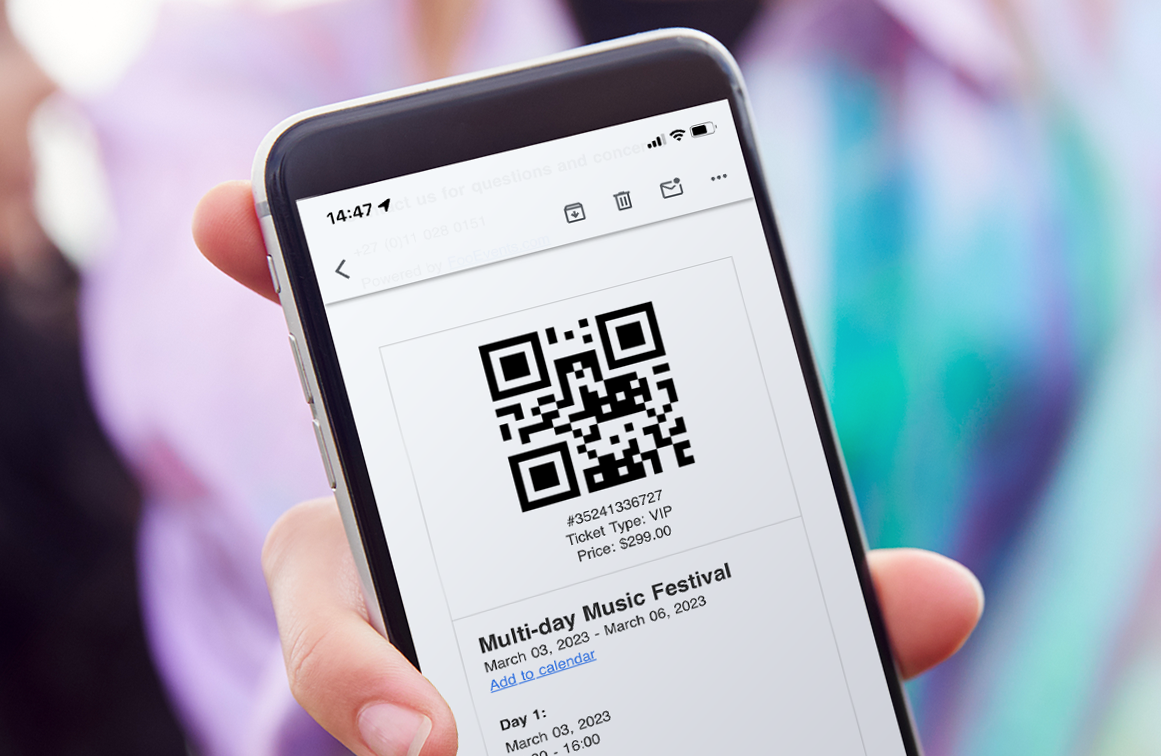
4 Möglichkeiten zur Verbesserung von Ticket-Check-ins mit der FooEvents Check-ins App
Ticket check-ins are crucial to the success of any event. In this article we will look at four ways to improve attendee check-ins using the FooEvents Check-ins app. The FooEvents Check-ins app offers several features designed to significantly enhance your ticket check-in process. By making these simple adjustments to the app settings, you can ensure…
-
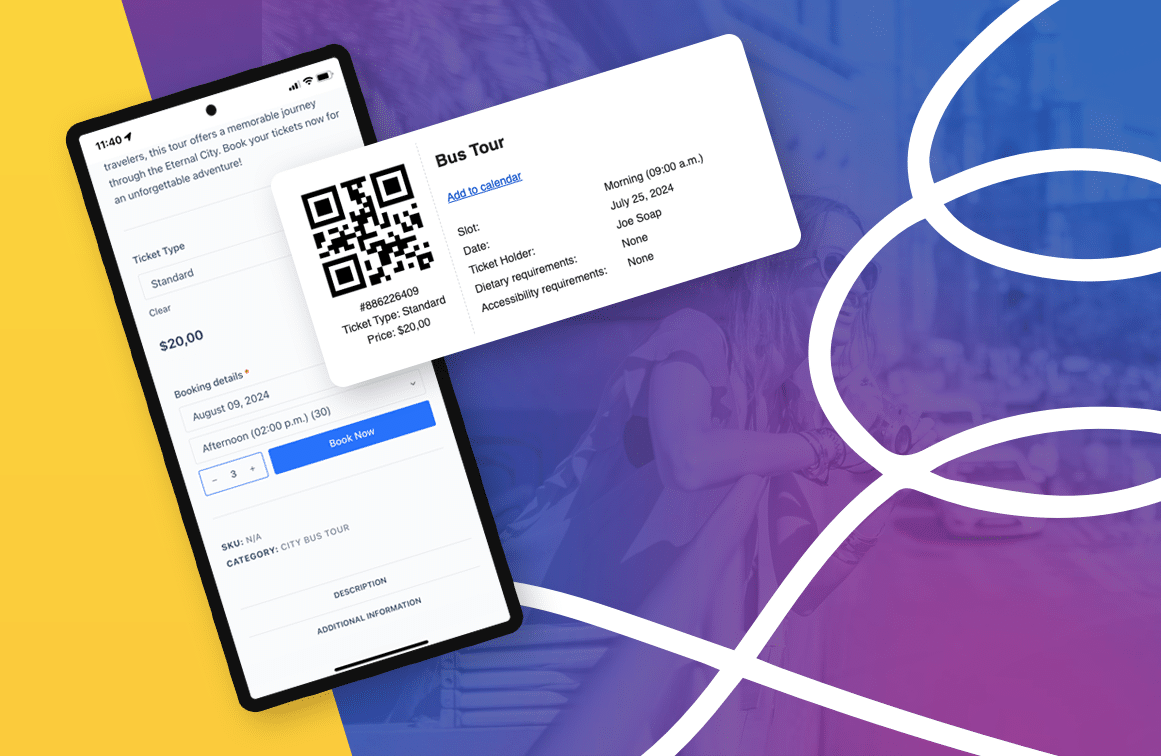
Wie man ein leistungsfähiges Reisebuchungssystem auf WordPress aufbaut
In diesem Blogbeitrag werden wir untersuchen, wie ein Tourbuchungssystem sowohl Online- als auch persönliche Buchungen vereinfachen und zu einem unschätzbaren Werkzeug für die effiziente Verwaltung Ihrer Buchungen und Teilnehmer werden kann. Ich hatte kürzlich das Vergnügen, am WordCamp Europe 2024 in Turin, Italien, teilzunehmen. Die Konferenz war eine großartige Erfahrung, und ich habe es genossen, mich mit [...]
-
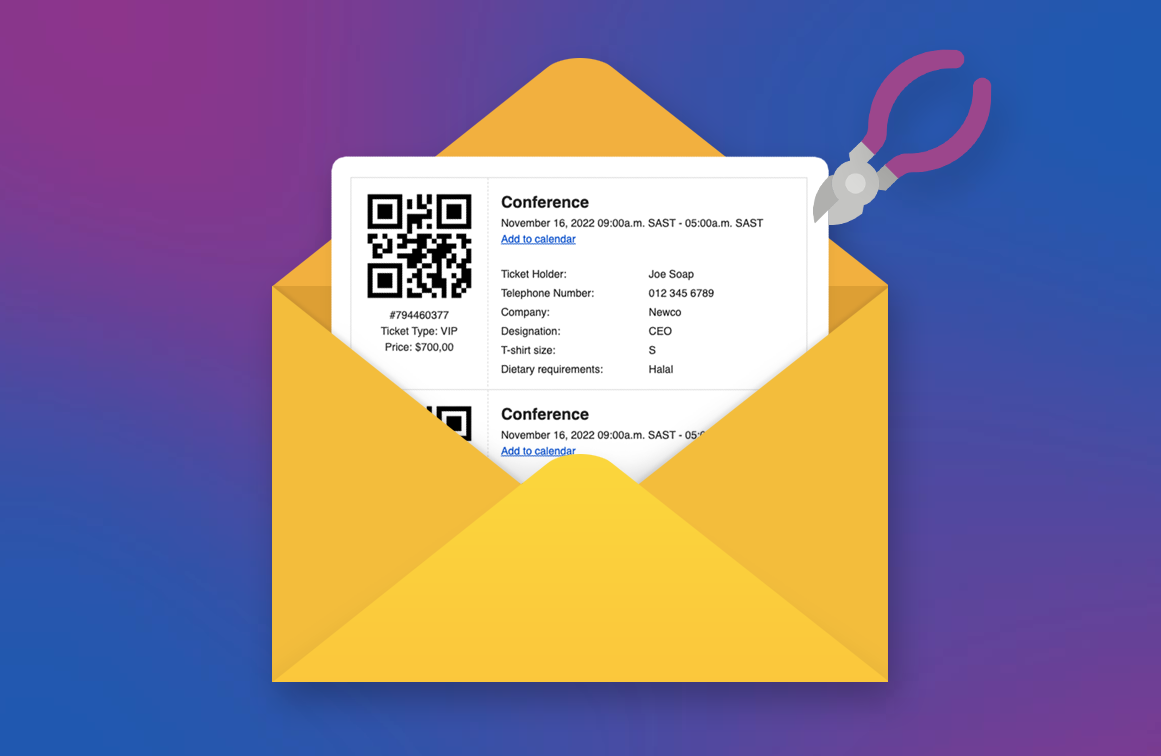
Wie man ein benutzerdefiniertes Ticket-Thema erstellt
A ticket theme is a collection of template files that determine the appearance of a FooEvents ticket email. In this guide, we will show you how to create your own custom ticket theme and implement your unique design. Let’s get started! If you’re planning an event and using FooEvents, you’re probably already familiar with FooEvents…
-

Wie man mit WooCommerce Tickets verkauft
Are you looking to sell tickets to an event using WooCommerce but not sure where to start? In this guide, we will show you how to set up a WooCommerce ticketing system using FooEvents and why it’s the perfect event and ticketing solution for your next event. FooEvents is an event and ticketing system built…
-

5 wichtige Schritte zur Förderung Ihrer Veranstaltung in den sozialen Medien
Organizing an event is just the beginning; getting people excited and eager to attend is where the magic happens. Social media is your best friend to promote your event by creating buzz and anticipation. Here’s a step-by-step guide to help you build hype for your next event on social media. 1. Start Early with Teasers…
-

Die Auswahl der richtigen Erweiterungen für Ihre WooCommerce-Veranstaltungen
Entdecken Sie, wie Sie Ihre WooCommerce-Veranstaltungen mit den richtigen Erweiterungen steigern können. Erfahren Sie mehr über das FooEvents for WooCommerce-Plugin und die FooEvents-Erweiterungen, mit denen Sie das Event-Management, den Ticketverkauf und den Teilnehmer-Check-In für alle Ihre Veranstaltungen optimieren können.
-

4 einfache Möglichkeiten zur Verwaltung von Teilnehmer-Check-ins
Teilnehmer-Check-ins leicht gemacht mit FooEvents. Entdecken Sie vier Methoden, mit denen Sie den Check-in-Prozess für Ihre Veranstaltung optimieren können - von mobilen Apps bis zur POS-Integration.
-

Geteilte Zahlungen jetzt in FooEvents POS verfügbar
Stellen Sie sich vor, Sie verkaufen Eintrittskarten für eine Veranstaltung und eine Gruppe kommt zu Ihnen und möchte gemeinsam Karten kaufen, aber jeder möchte seinen Anteil mit unterschiedlichen Methoden bezahlen. In der Vergangenheit mussten dazu mehrere Bestellungen in FooEvents POS erstellt werden. Mit der neuen Funktion für geteilte Zahlungen können Sie jetzt mehrere Zahlungen zu einer einzigen Bestellung hinzufügen.
-

Ein besseres Teilnehmererlebnis schaffen: 4 Dinge, die bei den meisten Konferenzen falsch gemacht werden
Nächsten Monat werde ich am WordCamp Europe 2024 in Turin, Italien, teilnehmen. Es wird mein erster Besuch in Italien sein und ich kann es kaum erwarten, die Sehenswürdigkeiten zu sehen, alte WordPress-Freunde zu treffen und mehr Leute aus dieser wunderbaren WordPress- und WooCommerce-Community kennenzulernen. Die WCEU ist zwar eine außergewöhnlich gut organisierte Veranstaltung, aber sie hat mich [...]
-

Einführung in den FooEvents Event Listing Block
It’s been a busy few weeks for us here at FooEvents HQ, and we think you will love what we have been up to! This week we launched our very first WordPress block, called the FooEvents Event Listing Block. This exciting new addition is included in the main FooEvents for WooCommerce (v1.19.9) plugin and makes…
-

WooCommerce SEO meistern: 10 wichtige Tipps zur Optimierung der Geschwindigkeit (2024)
In this day and age, the speed of your website is not just a convenience for users but a cornerstone of your site’s search engine optimization (SEO) and conversion rate optimization (CRO). WooCommerce SEO is a particularly important aspect of running an eCommerce website as more traffic typically results in more sales. According to research by Pingdom,…
-

12 automatisierte Event-E-Mails, die das Engagement der Teilnehmer steigern
We’re thrilled to announce that you can now send automated event emails and SMS messages based on custom triggers for an event or booking using the AutomateWoo extension. Effective communication is key to the success of any event or booking system. Automated emails and SMS messages enhance the attendee experience by providing timely reminders, important…
-

FooEvents Translations spricht Ihre Sprache
A fun fact about FooEvents is that our customers are globally dispersed and, for many, English is not their first language. This means that a considerable number of customers use the FooEvents back-end in English rather than their native tongue, which can be really challenging. It’s no surprise then, that we get a lot of…
-

Anmerkungen zur Veröffentlichung - 23. Januar 2024
It’s 2024 and we’ve hit the ground running. We have released various maintenance updates to the FooEvents extensions as well as an integration with AutomateWoo and 9 new plugin translations. FooEvents for WooCommerce Version 1.19.0 – Changelog ADDED: Support for AutomateWoo. ADDED: New translations added for 9 languages. FIXED: HPOS resend ticket bug. FIXED: Order…
-

Erstellen eines Elementor Event-Kalenders mit FooEvents (2024)
In this tutorial, we’ll show you how to add an event calendar Elementor using FooEvents in 2024. The calendars will display multiple events that are displayed in various tabs using different display modes. Step 1: Install Elementor and FooEvents Calendar plugins First you will need to make sure that you have the Elementor plugin installed. It…
-

Wichtiges Zoom-API-Update
As you may know, FooEvents integrates with Zoom making it possible to sell access to Zoom meetings and webinars. FooEvents does this by connecting securely to your Zoom account via Zoom’s app API. Previously, FooEvents integrated with Zoom using their JWT app, however, on June 1, 2023 Zoom will be deprecating (discontinuing) the JWT app type in…

FooEvents-Blog
Informieren Sie sich über die neuesten FooEvents-Funktionen und lernen Sie Tipps und Tricks, die Ihre Produkterfahrung verbessern werden.
Abonnieren Sie den Blog-Digest
Erhalten Sie eine Zusammenfassung der neuesten Beiträge in Ihrem Posteingang.
 English
  German
  Dutch
Dutch  Spanish
  Italian
  Portuguese
  French
  Polish
  Greek
Greek