-
How to Sell Tickets for Live Music Events with WooCommerce
In this guide, we will show you how to use WooCommerce and FooEvents to sell tickets for concerts and multi-day festivals, covering ticket setup, capacity, attendee management, check-ins and on-site sales. Selling tickets for a concert is easy. Running the ticketing operation around it is where things get complicated. You might need different ticket types,…
-
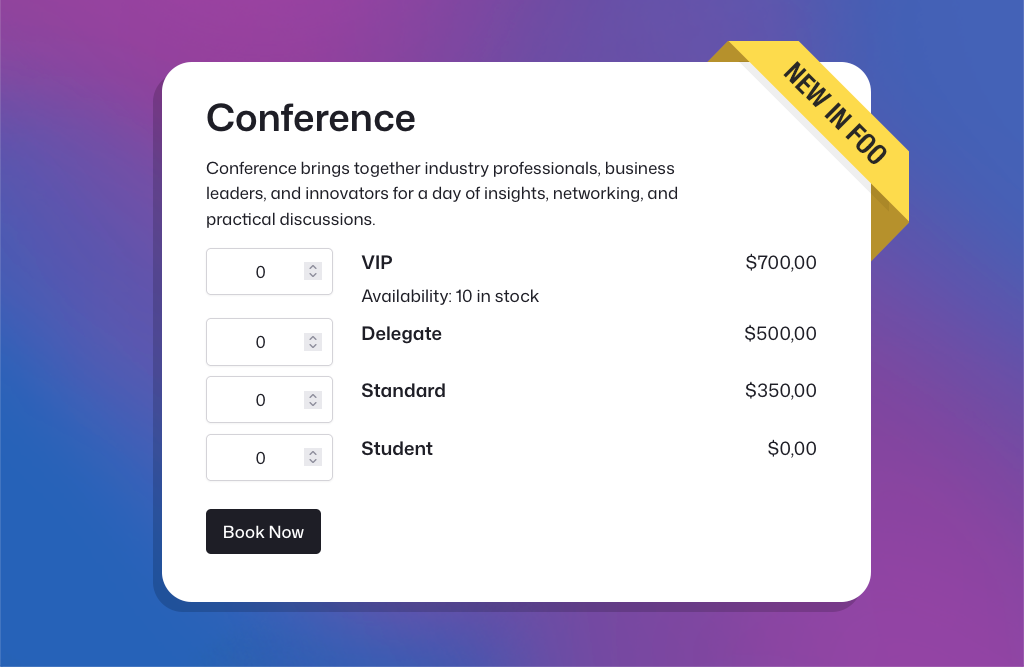
Nieuw: Snellere Evenementeninstelling, Betere Ticketselectie en Verbeterde Meerdaagse Incheckingen
In March and April, we released several major new FooEvents features, and the feedback has been fantastic. Building on that momentum, our May release includes three popular feature requests that many FooEvents customers have been asking for. New Table Variation Layout Option We’ve added a new table variation display option that shows WooCommerce variations in…
-
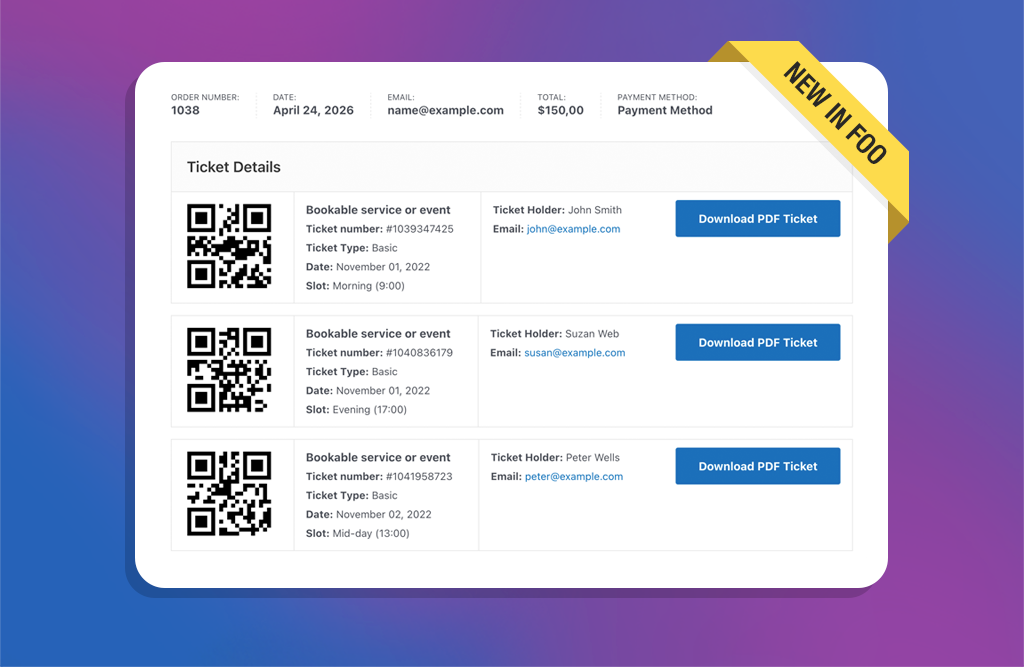
Nieuw: Ticketgegevens weergeven op de bedankpagina van WooCommerce
Enkele weken geleden hebben we de nieuwe pagina met deelnemersgegevens en het nieuwe afrekenproces gelanceerd. Dit was een cruciale update die de ervaring bij het kopen van tickets heeft verbeterd en volledige compatibiliteit garandeert met zowel het WooCommerce Checkout Block als de klassieke afrekenprocessen. Nu deze kernonderdelen zijn geïmplementeerd, richten we onze aandacht op veelgevraagde functies
-

Introductie van de nieuwe pagina met bezoekerdetails en eenvoudigere updates voor ticketthema's
Maak kennis met de nieuwe pagina met deelnemersgegevens, eenvoudigere updates van ticketthema’s, versiemeldingen, beveiliging van de PDF-ticketmap en een bijgewerkte DOMPDF-bibliotheek in FooEvents voor WooCommerce.
-
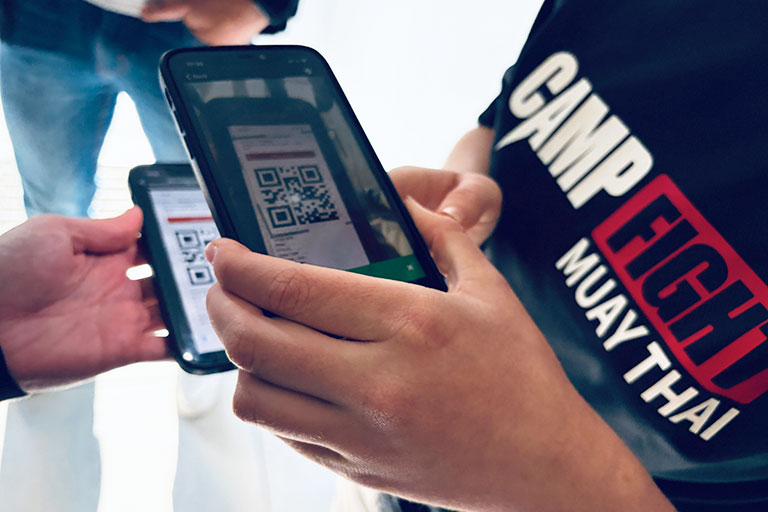
Casestudie kampgevecht: Klein evenement alleen voor leden, ticketverkoop voor zwaargewichten
Camp Fight, een Muay Thai fitnesscentrum in Kaapstad, organiseerde onlangs een klein evenement voor leden en genodigden. Het doel was niet om grote volumes na te jagen, maar om een vriendelijk, professioneel, goed georganiseerd evenement te organiseren voor haar leden. FooEvents leverde dezelfde kern toolkit gebruikt door veel grotere evenementen-QR tickets, zitniveaus, snelle check-ins, [...]
-
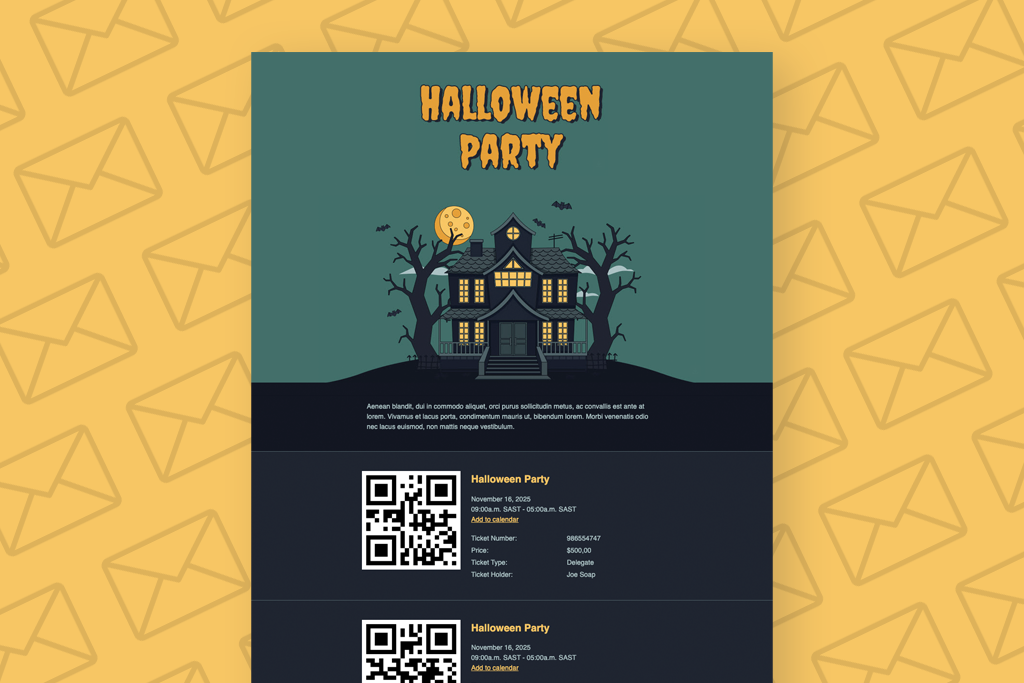
Zo maak je een aangepast Halloween-kaartthema
Halloween staat voor de deur, dus in dit artikel laat ik je zien hoe je een aangepast Halloween-kaartjesthema kunt maken en naar je hand kunt zetten. Door een eenvoudige sjabloon en CSS aan te passen, transformeren we het Pavilion Ticket Theme in een griezelig, op Halloween geïnspireerd ontwerp dat perfect is voor je volgende Halloween-evenement. A
-
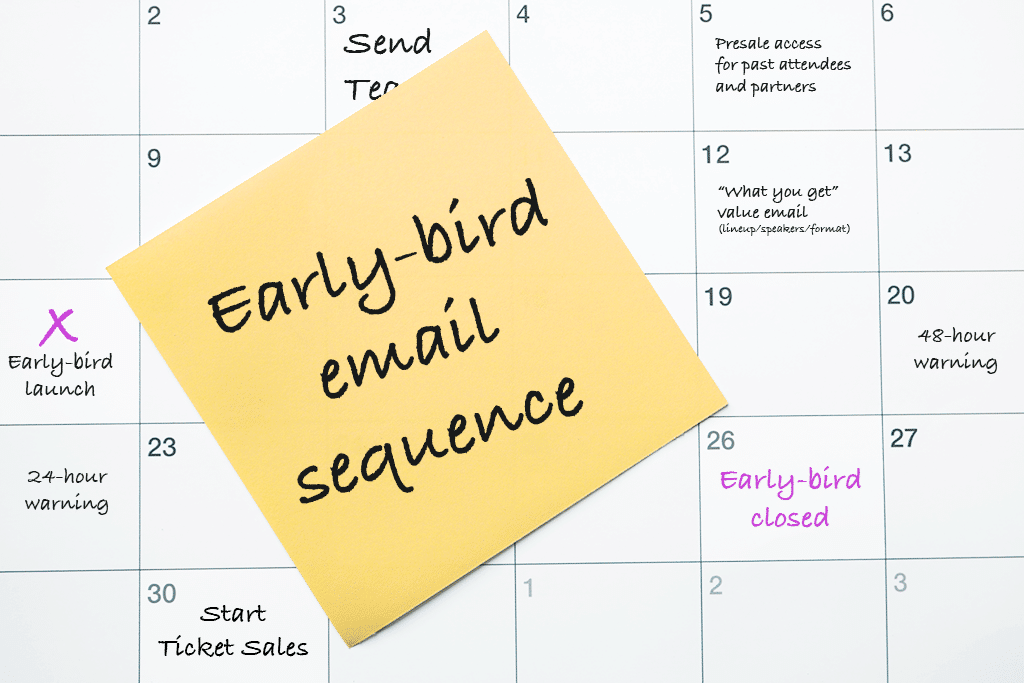
Vroege-vogelcampagne: 10 effectieve e-mailsjablonen
Een Early-bird campagne is niet "zomaar een coupon". Het is een kort, chirurgisch venster dat beslissende kopers beloont en een impuls geeft, zonder iedereen te leren wachten op een verkoop. Hieronder vind je een praktisch dag-voor-dagplan dat je in je agenda kunt zetten, plus kant-en-klare e-mailontwerpen. Werkt uitstekend met WooCommerce en FooEvents (voorraad
-

Zoek en bekijk ticketgegevens in FooEvents POS
We recently released version 1.10.1 of the FooEvents POS plugin. This update introduces the ability to search and view individual ticket details directly in the Orders section of FooSales POS apps. Here’s how this will help you better manage your events: Whether you’re resolving a question, issuing a refund, or confirming a booking, the details…
-

FooEvents voegt gedeeltelijke ondersteuning toe voor het WooCommerce afrekenblok
We’ve just released version 1.20.2 of the FooEvents for WooCommerce plugin, which introduces partial compatibility with the new WooCommerce Checkout and Cart blocks. To take full advantage of this update, please ensure all your installed FooEvents extensions are also updated to their latest versions. This update makes it possible to use the new WooCommerce Checkout…
-

Introductie van de nieuwe FooEvents Check-ins App V3
The FooEvents Check-ins app, which was released way back in 2016, has been the backbone of event check-ins for thousands of FooEvents customers—checking in over 15 million tickets to date. It has evolved considerably since the initial launch and we’re thrilled to unveil a completely rebuilt FooEvents Check-ins App (version 3.0.0), which will begin rolling…
-

Maak kennis met de Basiscollectie: 8 gratis kaartthema's
We’re excited to announce the release of the Base Collection—a new range of versatile free ticket themes for FooEvents. When using the FooEvents for WooCommerce plugin to sell ticket, attendees receive an HTML ticket email after purchasing a ticket. Ticket themes are templates that allow you to customize the look and feel of these ticket emails….
-

Zet WooCommerce-bestellingen om in tickets voor evenementen
In this post, we’ll go through the steps to convert WooCommerce orders into event tickets that can be scanned and managed using FooEvents. We’ll show you how to export your orders, format them as a CSV, and import them into FooEvents to generate tickets linked to the original orders. Let’s get started! So, you created…
-

Introductie van de nieuwe FooEvents Agenda en Aanwezigen Lijst Blokken
In this post, we will take a look at the new FooEvents Calendar Block and FooEvents Attendee Listing Block, as well as updates to the FooEvents Express Check-ins plugin and FooEvents Ticket Importer. Earlier this year, we released our first WordPress block called the FooEvents Event Listing Block. It has been a massive hit and…
-

Hoe kies je de beste betalingsgateway voor online ticketverkoop?
In this post, we explore how to choose the perfect payment gateway for your online ticket sales, providing insights on the top factors to consider and how FooEvents and WooCommerce can give you the flexibility and control you need for seamless transactions. When it comes to selling tickets for your events, the ability to accept…
-

5 Gratis WordPress Evenement Site Admin Plugins
When you’re setting up a WordPress event site, most articles will recommend the usual suspects—security, caching, SEO, forms, multilingual, and content plugins. And while those are essential, they often overlook backend tools that can make or break your site’s performance, especially if you’re running a WooCommerce store and using FooEvents to sell tickets. In this…
-

Verhoog e-mailaflevering: Ticket e-mails versturen via SMTP
Ensuring that your WordPress site is able to send ticket emails reliably is crucial to the success of your event. While WordPress’s default email sending method is convenient, it comes with limitations that can affect the reliability of email delivery. In this article, we’ll explore these limitations, discuss how FooEvents manages ticket emails, and provide…
-

Maak aangepaste productpagina's voor WooCommerce met Elementor
In dit artikel laten we je zien hoe je de standaard WooCommerce productpagina kunt aanpassen met Elementor Pro. We zullen een aangepaste product pagina template maken die gebruikt kan worden voor de verkoop van tickets voor je evenementen.
-

CSS-weergaveovergangen: Een nieuwe en eenvoudige manier om uw website te animeren
In deze post verkennen we een nieuwe CSS-animatiefunctie die momenteel wordt uitgerold, bekend als CSS View Transitions. We bekijken hoe CSS View Transitions het eenvoudig maken om vloeiende, aantrekkelijke animaties toe te voegen aan elke WordPress of WooCommerce site. Vorige week waren we aanwezig bij WordCamp Cape Town 2023 in Zuid-Afrika. De lokale [...]
-
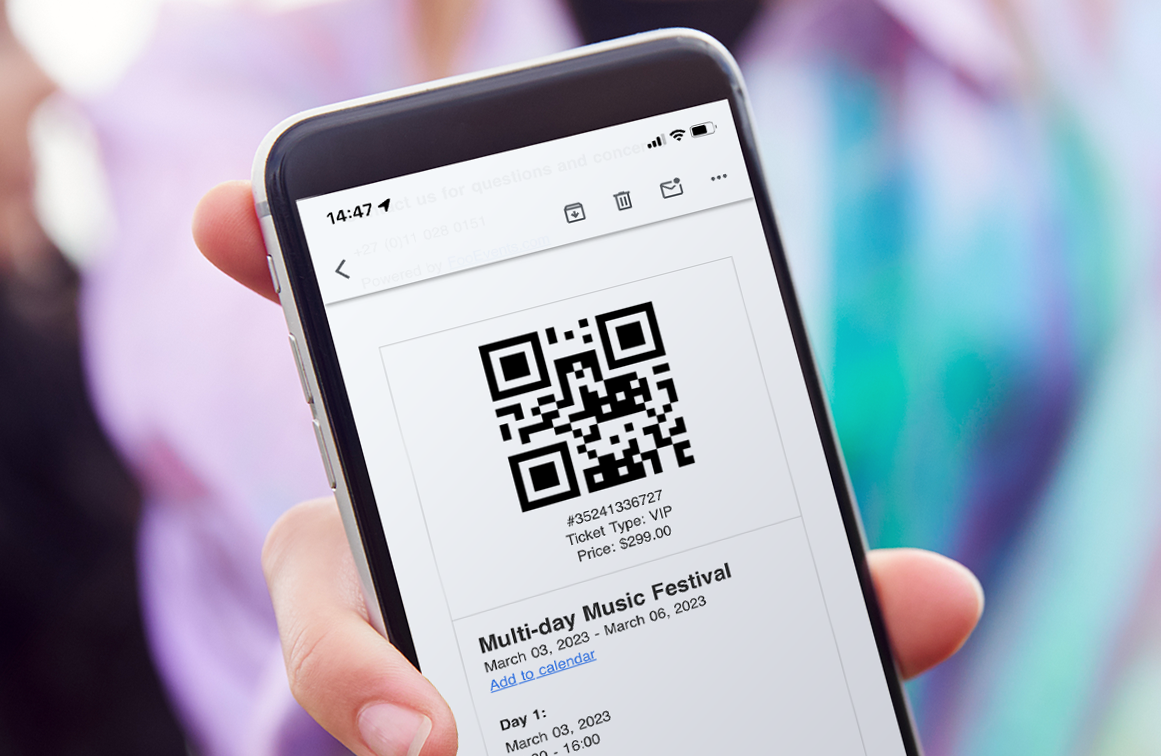
4 Manieren om Ticket Check-ins te verbeteren met de FooEvents Check-ins App
Ticket check-ins are crucial to the success of any event. In this article we will look at four ways to improve attendee check-ins using the FooEvents Check-ins app. The FooEvents Check-ins app offers several features designed to significantly enhance your ticket check-in process. By making these simple adjustments to the app settings, you can ensure…
-
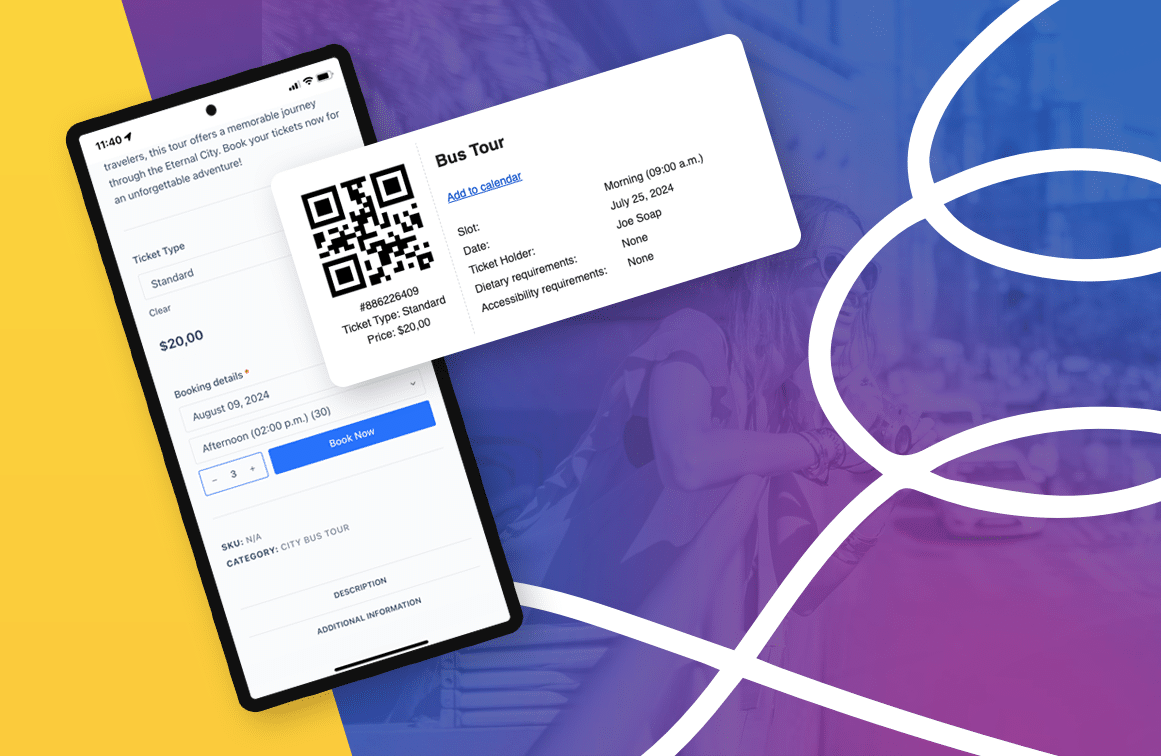
Hoe bouw je een krachtig Tour Boeking Systeem op WordPress
In deze blogpost zullen we onderzoeken hoe een tourboekingssysteem zowel online als in-person boekingen kan vereenvoudigen, en een hulpmiddel van onschatbare waarde kan worden voor het efficiënt beheren van je boekingen en deelnemers. Onlangs had ik het genoegen om WordCamp Europe 2024 bij te wonen in Turijn, Italië. De conferentie was een geweldige ervaring,
-
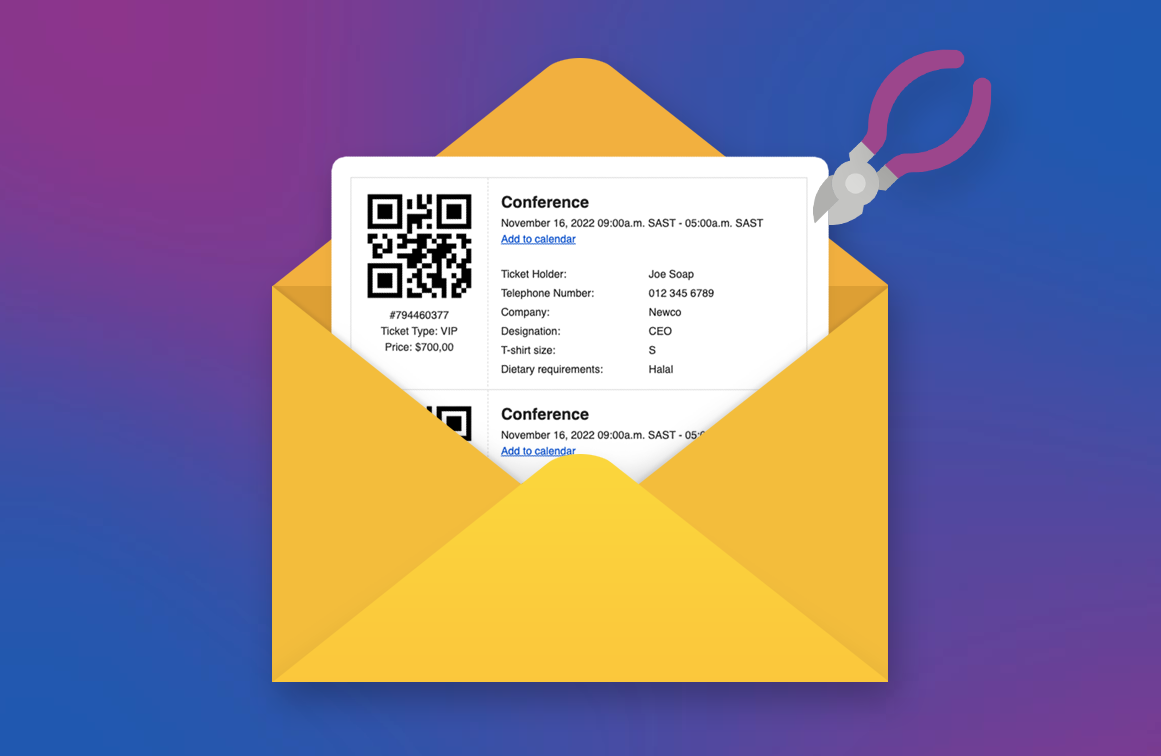
Een aangepast ticket-thema maken
Een ticket thema is een verzameling van sjabloon-bestanden die het uiterlijk van een FooEvents ticket e-mail te bepalen. In deze handleiding laten we je zien hoe je je eigen ticket thema kunt maken en je unieke ontwerp kunt implementeren. Laten we beginnen! Als je een evenement plant en FooEvents gebruikt, ben je waarschijnlijk al bekend met FooEvents [...]

 English
  German
  Dutch
Dutch  Spanish
  Italian
  Portuguese
  French
  Polish
  Greek
Greek