-
How to Sell Tickets for Live Music Events with WooCommerce
In this guide, we will show you how to use WooCommerce and FooEvents to sell tickets for concerts and multi-day festivals, covering ticket setup, capacity, attendee management, check-ins and on-site sales. Selling tickets for a concert is easy. Running the ticketing operation around it is where things get complicated. You might need different ticket types,…
-
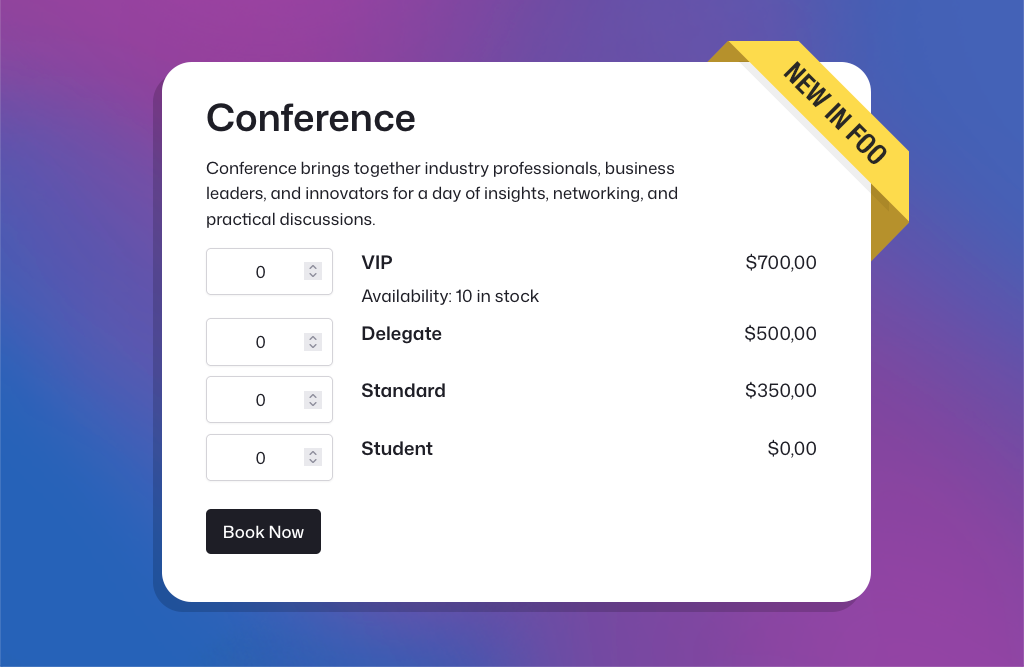
New: Faster Event Setup, Better Ticket Selection, and Improved Multi-day Check-ins
In March and April, we released several major new FooEvents features, and the feedback has been fantastic. Building on that momentum, our May release includes three popular feature requests that many FooEvents customers have been asking for. New Table Variation Layout Option We’ve added a new table variation display option that shows WooCommerce variations in…
-
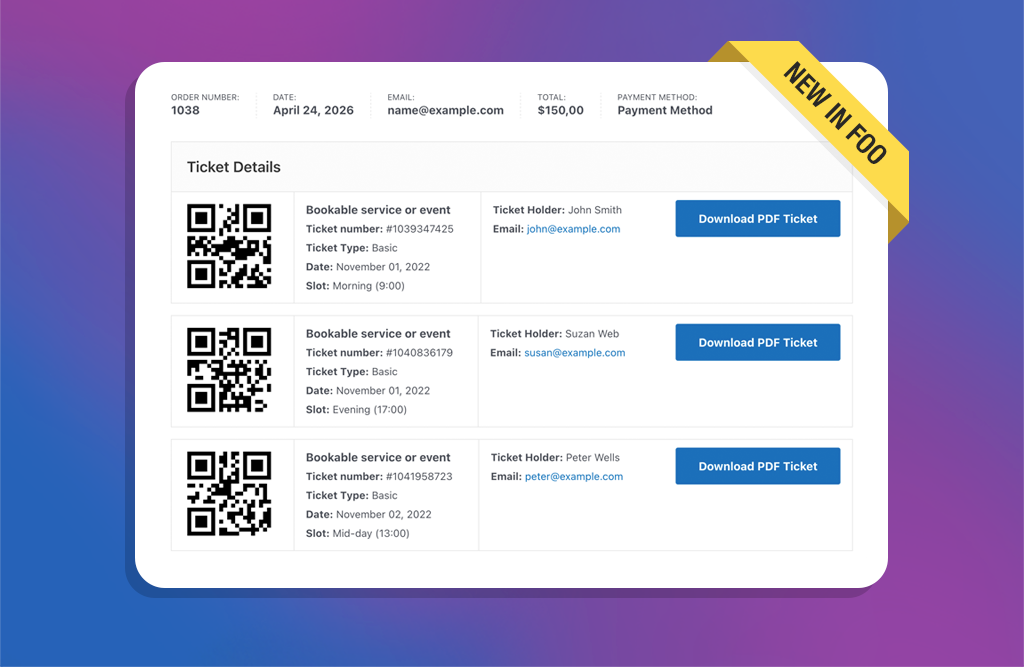
New: Display Ticket Details on the WooCommerce Thank You Page
A few weeks ago, we rolled out the new Attendee Details Page and checkout flow. It was a pivotal update that improved the ticket purchase experience and ensured full compatibility with both the WooCommerce Checkout Block and classic checkout experiences. With those core pieces now in place, we’ve turned our focus to popular feature requests…
-

Introducing the New Attendee Details Page and Easier Ticket Theme Updates
Introducing the new Attendee Details Page, easier ticket theme updates, version notices, PDF ticket folder protection, and an updated DOMPDF library in FooEvents for WooCommerce.
-
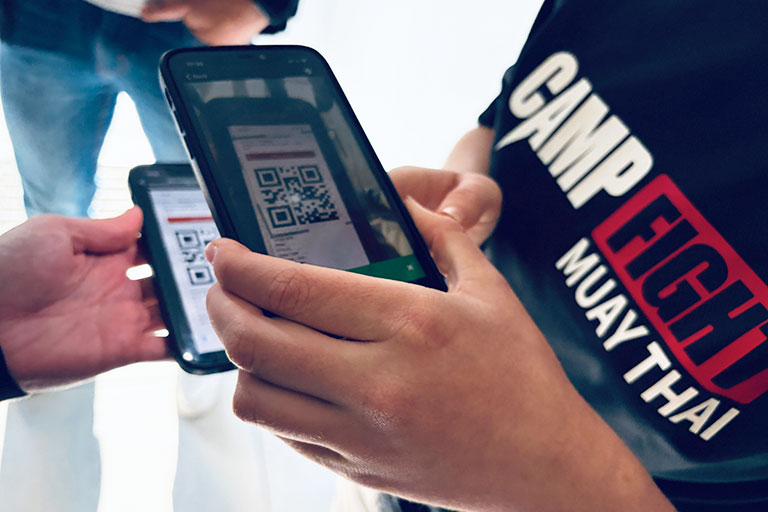
Camp Fight Case Study: Small Members-Only Event, Heavyweight Ticketing
Camp Fight, a Cape Town–based Muay Thai fitness center, recently ran a small members-only event for its community and invited guests. The goal wasn’t to chase huge volumes but to run a friendly, professional, well-organized event for its members. FooEvents delivered the same core toolkit used by much larger events—QR tickets, seating tiers, rapid check-ins,…
-
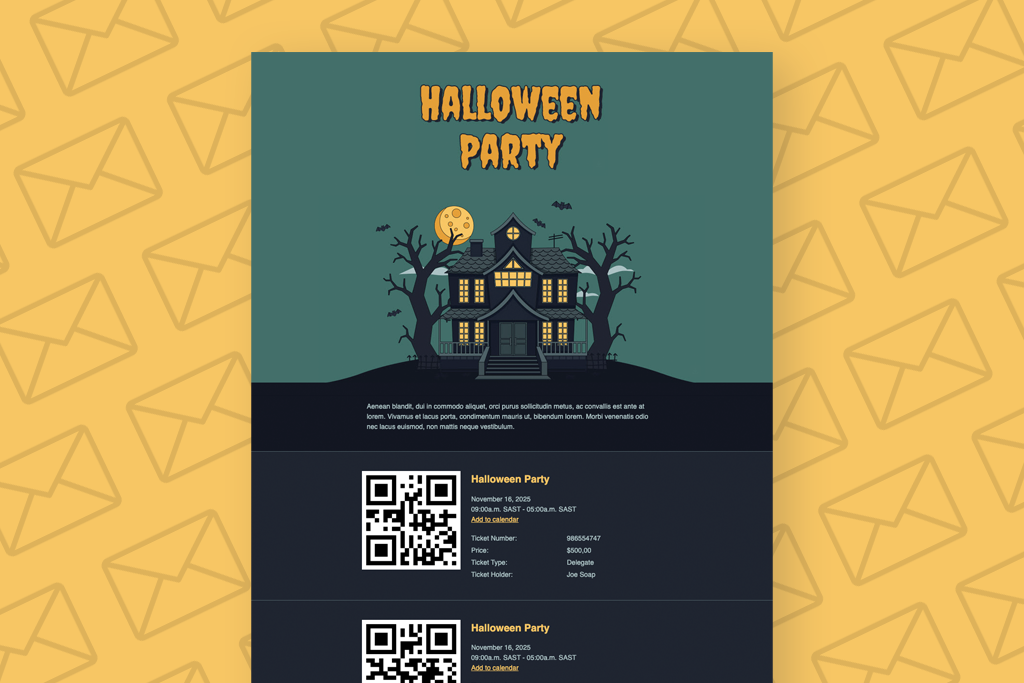
How to Create a Custom Halloween Ticket Theme
Halloween is around the corner, so in this article I am going to show you how to create a Custom Halloween Ticket Theme and make it our own. By modifying a simple template and CSS, we will transform the Pavilion Ticket Theme into a spooky, Halloween-inspired design that’s perfect for your next Halloween event. A…
-
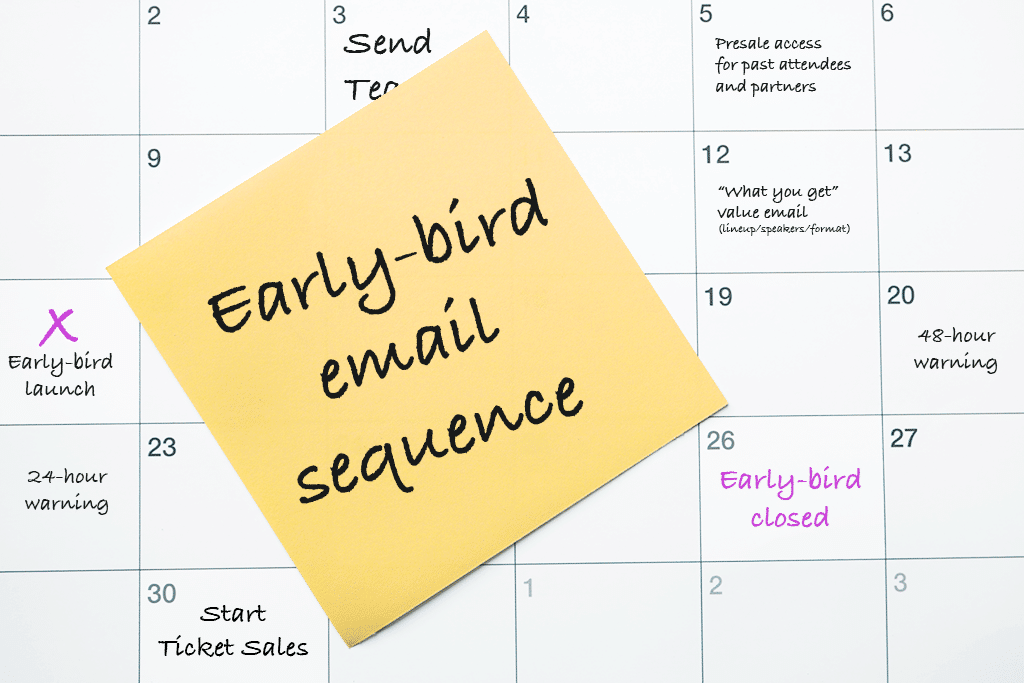
Early-Bird Campaign: 10 Effective Email Templates
An Early-bird campaign isn’t “just a coupon”. It’s a short, surgical window that rewards decisive buyers and kickstarts momentum, without teaching everyone to wait for a sale. Below is a practical, day-by-day plan you can drop into your calendar, plus copy-ready email drafts. Works great with WooCommerce and FooEvents (stock limits, usage limits, and automatic…
-

Search and View Ticket Details in FooEvents POS
We recently released version 1.10.1 of the FooEvents POS plugin. This update introduces the ability to search and view individual ticket details directly in the Orders section of FooSales POS apps. Here’s how this will help you better manage your events: Whether you’re resolving a question, issuing a refund, or confirming a booking, the details…
-

FooEvents Adds Partial Support for the WooCommerce Checkout Block
We’ve just released version 1.20.2 of the FooEvents for WooCommerce plugin, which introduces partial compatibility with the new WooCommerce Checkout and Cart blocks. To take full advantage of this update, please ensure all your installed FooEvents extensions are also updated to their latest versions. This update makes it possible to use the new WooCommerce Checkout…
-

Introducing the New FooEvents Check-ins App V3
The FooEvents Check-ins app, which was released way back in 2016, has been the backbone of event check-ins for thousands of FooEvents customers—checking in over 15 million tickets to date. It has evolved considerably since the initial launch and we’re thrilled to unveil a completely rebuilt FooEvents Check-ins App (version 3.0.0), which will begin rolling…
-

Introducing the Base Collection: 8 Free Ticket Themes
We’re excited to announce the release of the Base Collection—a new range of versatile free ticket themes for FooEvents. When using the FooEvents for WooCommerce plugin to sell ticket, attendees receive an HTML ticket email after purchasing a ticket. Ticket themes are templates that allow you to customize the look and feel of these ticket emails.…
-

Convert WooCommerce Orders Into Event Tickets
In this post, we’ll go through the steps to convert WooCommerce orders into event tickets that can be scanned and managed using FooEvents. We’ll show you how to export your orders, format them as a CSV, and import them into FooEvents to generate tickets linked to the original orders. Let’s get started! So, you created…
-

Introducing the New FooEvents Calendar and Attendee Listing Blocks
In this post, we will take a look at the new FooEvents Calendar Block and FooEvents Attendee Listing Block, as well as updates to the FooEvents Express Check-ins plugin and FooEvents Ticket Importer. Earlier this year, we released our first WordPress block called the FooEvents Event Listing Block. It has been a massive hit and…
-

How to Choose the Best Payment Gateway for Online Ticket Sales
In this post, we explore how to choose the perfect payment gateway for your online ticket sales, providing insights on the top factors to consider and how FooEvents and WooCommerce can give you the flexibility and control you need for seamless transactions. When it comes to selling tickets for your events, the ability to accept…
-

5 Essential Free WordPress Event Site Admin Plugins
When you’re setting up a WordPress event site, most articles will recommend the usual suspects—security, caching, SEO, forms, multilingual, and content plugins. And while those are essential, they often overlook backend tools that can make or break your site’s performance, especially if you’re running a WooCommerce store and using FooEvents to sell tickets. In this…
-

Boost Email Delivery: Send Ticket Emails using SMTP
Ensuring that your WordPress site is able to send ticket emails reliably is crucial to the success of your event. While WordPress’s default email sending method is convenient, it comes with limitations that can affect the reliability of email delivery. In this article, we’ll explore these limitations, discuss how FooEvents manages ticket emails, and provide…
-

Create Custom Product Pages for WooCommerce Using Elementor
In this article, we will show you how to customize the standard WooCommerce product page using Elementor Pro. We will create a custom product page template that can be used for selling tickets to your events.
-

CSS View Transitions: A New and Easy Way to Animate Your Website
In this post, we explore a new CSS animation feature currently being rolled out, known as CSS View Transitions. We’ll take a look at how CSS View Transitions make it easy to add smooth, engaging animations to any WordPress or WooCommerce site. Last week, we attended WordCamp Cape Town 2023 in South Africa. The local…
-
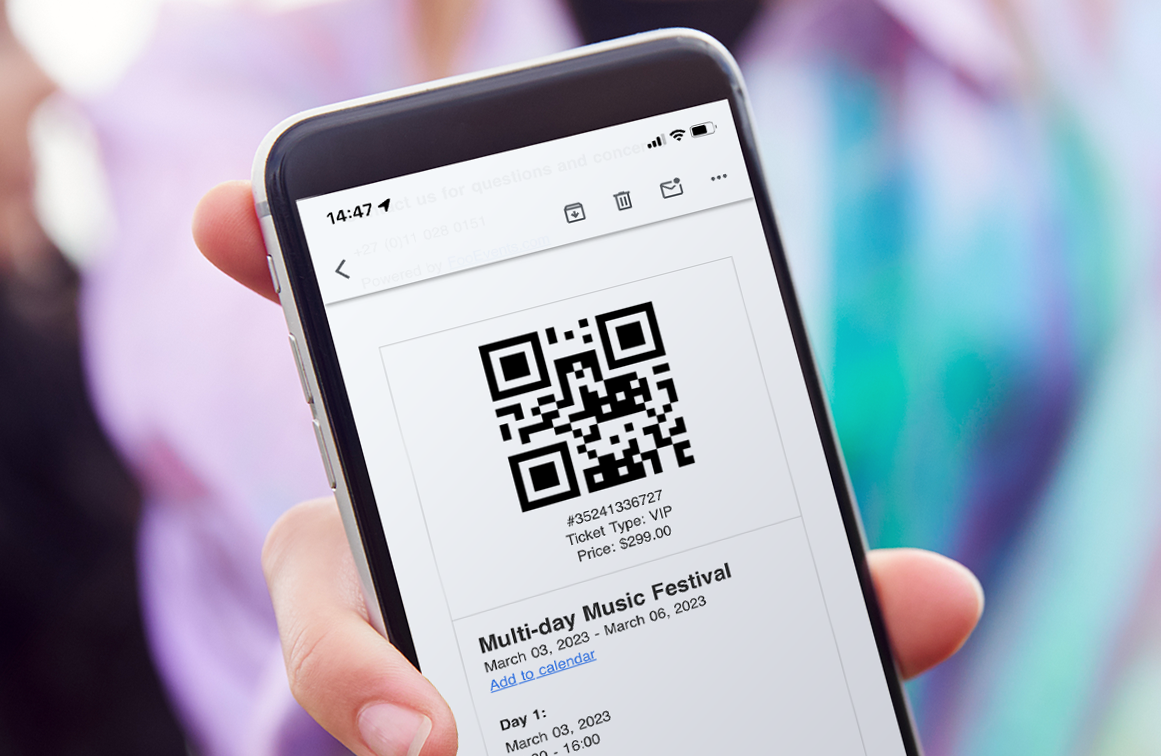
4 Ways to Enhance Ticket Check-ins with the FooEvents Check-ins App
Ticket check-ins are crucial to the success of any event. In this article we will look at four ways to improve attendee check-ins using the FooEvents Check-ins app. The FooEvents Check-ins app offers several features designed to significantly enhance your ticket check-in process. By making these simple adjustments to the app settings, you can ensure…
-
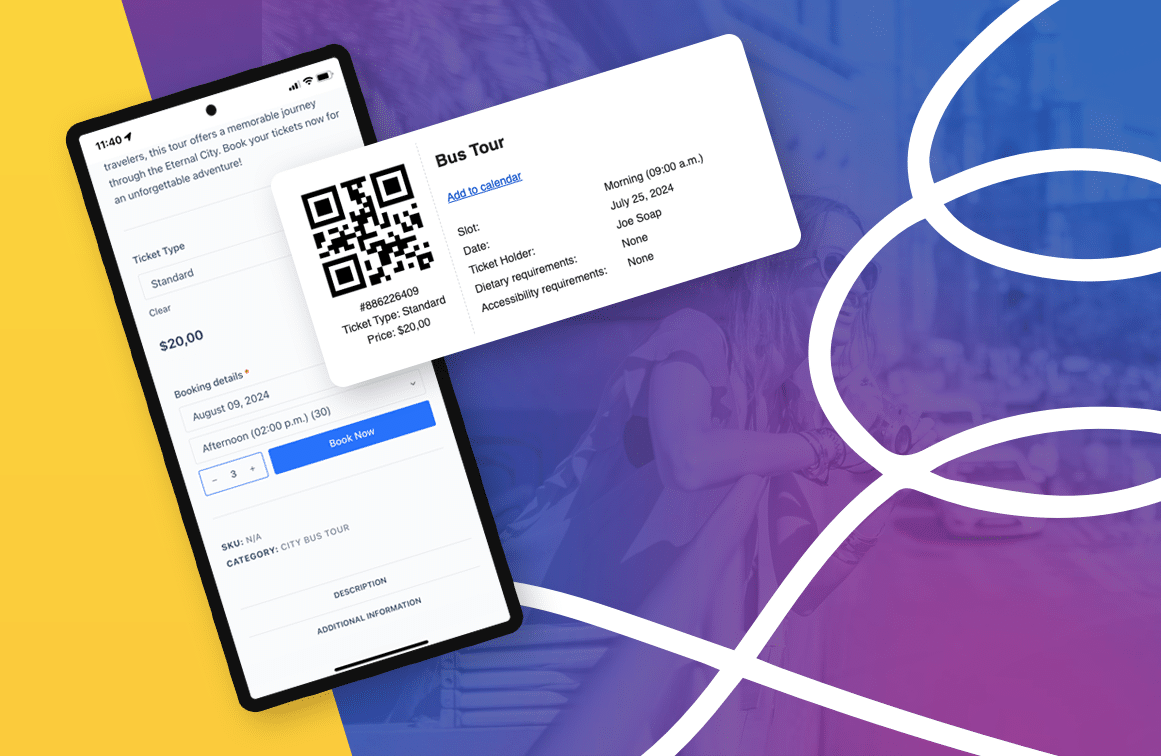
How to Build a Powerful Tour Booking System on WordPress
In this blog post, we will explore how a tour booking system can simplify both online and in-person bookings, and become an invaluable tool for managing your bookings and attendees efficiently. I recently had the pleasure of attending WordCamp Europe 2024 in Turin Italy. The conference was a great experience, and I enjoyed connecting with…
-
How to Create a Custom Ticket Theme
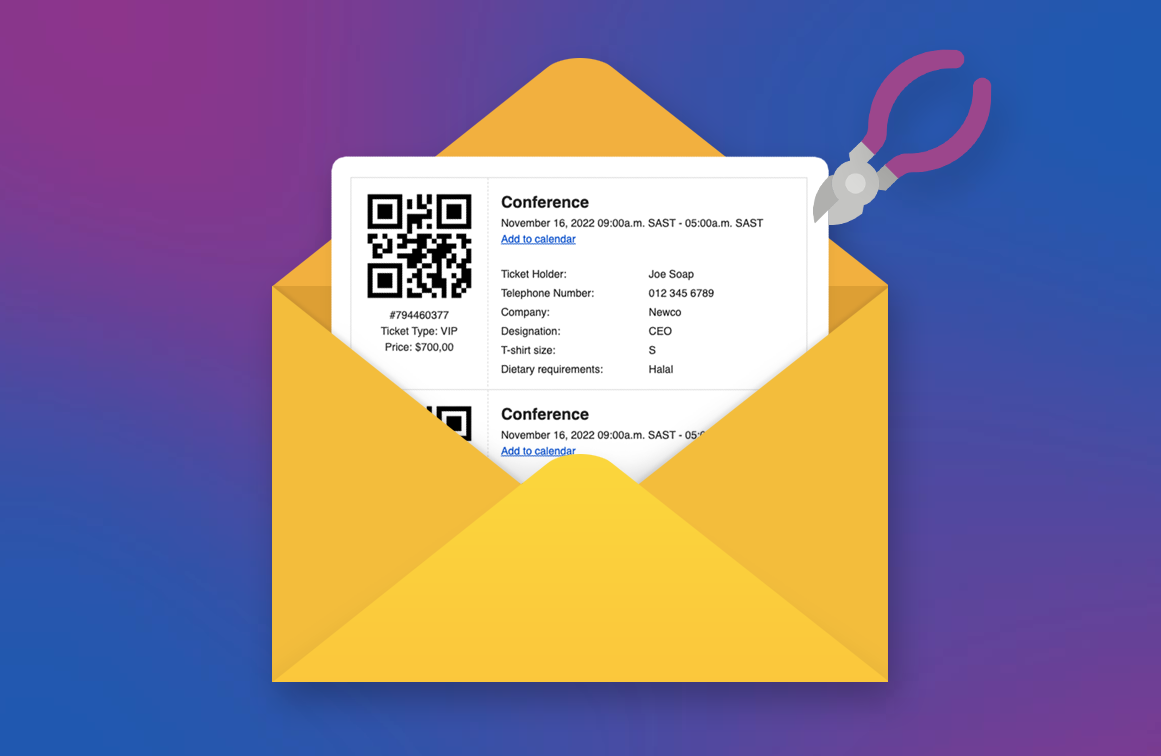
A ticket theme is a collection of template files that determine the appearance of a FooEvents ticket email. In this guide, we will show you how to create your own custom ticket theme and implement your unique design. Let’s get started! If you’re planning an event and using FooEvents, you’re probably already familiar with FooEvents…

 English
  German
  Dutch
Dutch  Spanish
  Italian
  Portuguese
  French
  Polish
  Greek
Greek