-
Host Workshops and Training Sessions With FooEvents
Use FooEvents with WooCommerce to host workshops and courses, collect attendee details, manage multi-date events, and check in attendees on the day of the event. This guide shows setup steps, page placement tips, recurring-session options, and validation checks before launch. Introduction Workshops usually run on tight timelines. You need clear schedules, simple sign-ups, and accurate…
-
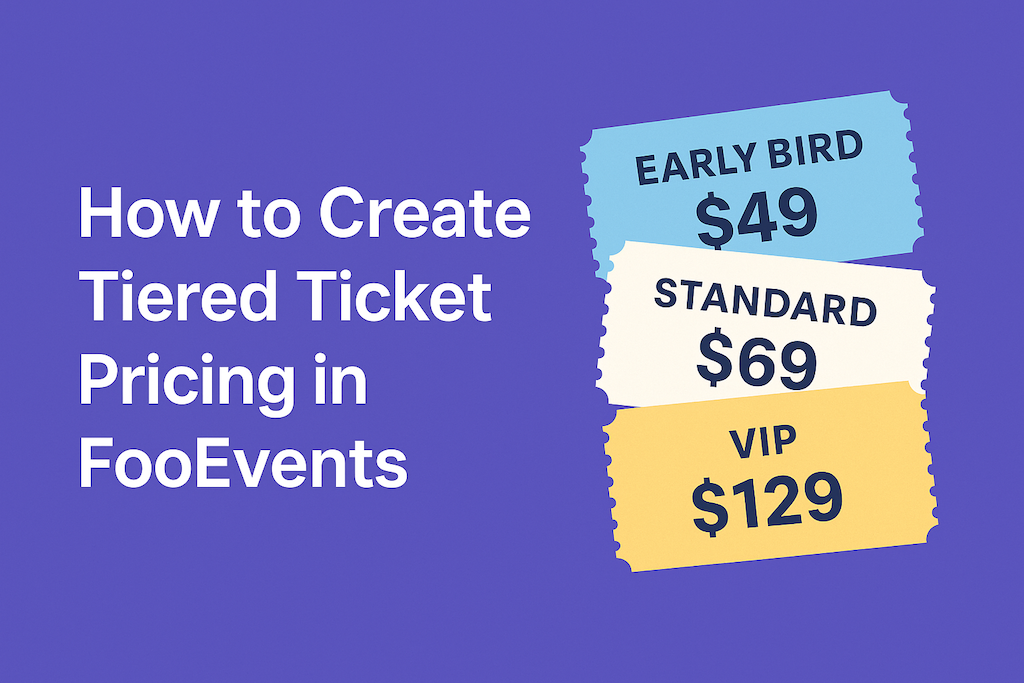
How to Create Tiered Ticket Pricing in FooEvents
Tiered ticket pricing lets you offer different ticket types—like Early Bird, Standard, and VIP—without additional plugins. With FooEvents and WooCommerce, you can build tiers as product variations, set prices and stock per tier, and collect attendee details per ticket. This post shows you how to set it up and validate it from start to finish.…
-

How to Use FooEvents Shortcodes in WordPress
FooEvents shortcodes let you drop event information, ticket forms, and calendars anywhere in your WordPress site without custom coding. They’re flexible, beginner-friendly, and give you control over how event content shows up. This guide walks you through the main shortcodes, when to use them, and where to find extra help. Introduction If you’ve spent time…

 English
  German
  Dutch
Dutch  Spanish
  Italian
  Portuguese
  French
  Polish
  Greek
Greek