-

Engage with your customers and attendees using WooCommerce Follow-ups
MPORTANT: As of 31 May 2023, WooCommerce has retired the WooCommerce Follow-Ups extension and recommends customers rather use their AutomateWoo extension. WooCommerce Follow-ups is no longer available for purchase on WooCommerce.com. WooCommerce will continue to support its WooCommerce Follow-ups extension until May 2024, however, it appears no further plugin updates will be released by WooCommerce. We have implemented a similar integration with AutomateWoo which we recommend as…
-

Export your offline attendee check-ins with ease
One of the unique features of the free FooEvents Check-ins app is the ability to check-in attendees without an active internet connection. Offline mode can be enabled in the Check-ins app after you’ve logged in and completed an initial download of all your relevant event data. We’ve just added a new feature to the Check-ins…
-

Ending the year on a high – 3 million attendee check-ins!
We hope that your year has been successful and that you are ready to clear the mind before 2022! For us, 2021 has been a phenomenal year with much to be thankful for. FooEvents has experienced growth in almost all areas and what better way to end off the year than by celebrating the massive…
-

How to scan ticket barcodes and QR codes using FooEvents and WooCommerce
One of the biggest challenges experienced by most event organizers is managing attendee access. Ensuring an organized and steady flow of attendee check-ins is critical, and if not done efficiently, it could lead to lengthy lines and angry customers. To help speed up attendee check-ins, FooEvents automatically adds a unique barcode to each ticket. These…
-

What’s been happening at FooEvents
Since the new year is now in full swing and the FooEvents team has been working hard on some exciting product updates that will be released this year, we thought it would be a good idea to highlight a few of the key improvements and enhancements that we rolled out in 2018. FooEvents for WooCommerce We implemented…
-
Sell tickets anywhere with ticket printing functionality
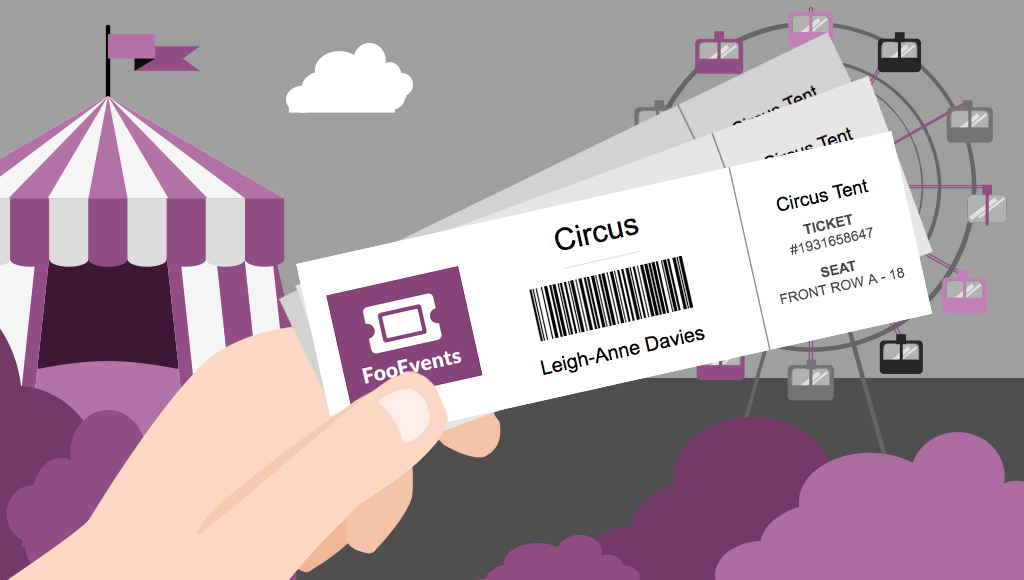
Would you like to be able to hand your event attendees a physical ticket? Are you looking for a way to sell tickets at your event or perhaps to a class or tour? We’ve got you covered! The new FooEvents “Print Tickets” functionality is now a standard feature in FooEvents for WooCommerce which allows you to…
-

Make your event exceptional with attendee badges
UPDATE: The new FooEvents Stationery Builder has replaced the attendee badge functionality and you can now design and print custom name tags, wristbands, tickets, badges and personalized labels through an intuitive drag & drop interface. Would you like name tags, badges or personalized labels for the attendees at your event? We thought so! This is…
-

How to prepare for large events like a pro with FooEvents
You’ve used FooEvents to sell tickets, and now your large event is fast approaching. When you’re checking in thousands of attendees at an event, every second counts. Even if you have less than 1,000 attendees, a delay of a single second for each check-in amounts to over 16 minutes of lost time. In this post…

 English
  German
  Dutch
Dutch  Spanish
  Italian
  Portuguese
  French
  Polish
  Greek
Greek