-
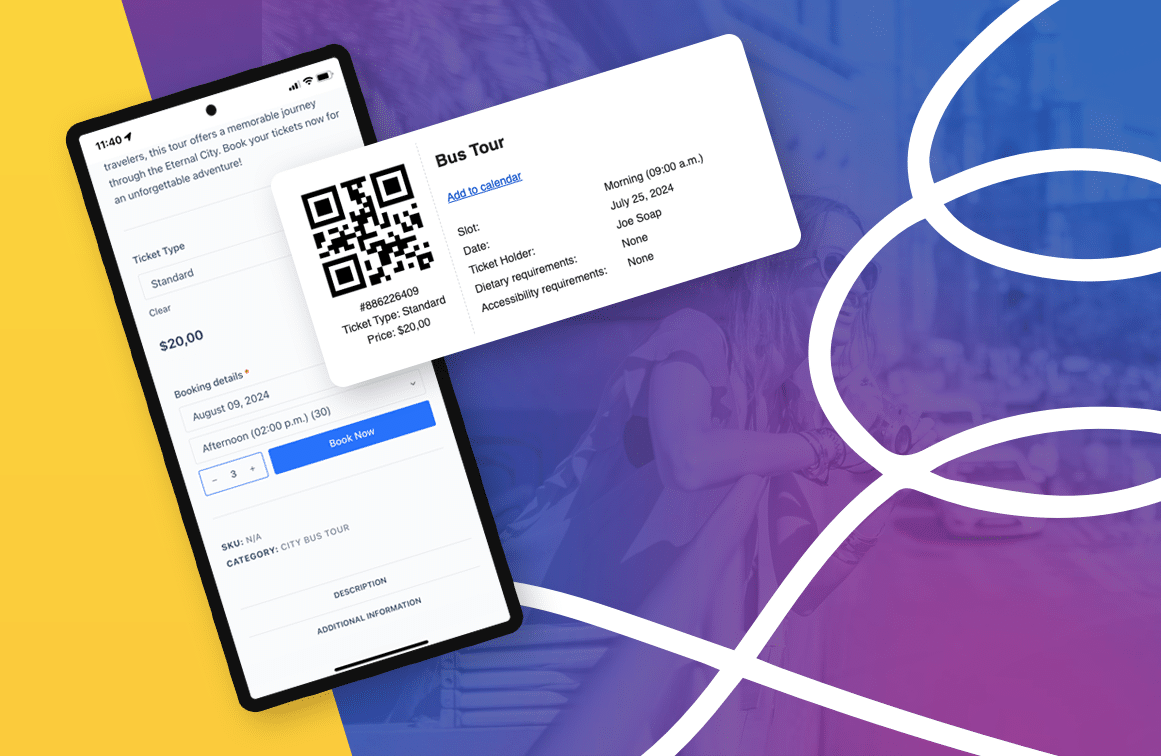
How to Build a Powerful Tour Booking System on WordPress
In this blog post, we will explore how a tour booking system can simplify both online and in-person bookings, and become an invaluable tool for managing your bookings and attendees efficiently. I recently had the pleasure of attending WordCamp Europe 2024 in Turin Italy. The conference was a great experience, and I enjoyed connecting with…
-
Release notes – 17 April 2023
This week we released updates to the FooEvents plugins that addressed various minor issues and updates to the FooEvents Stationery Builder and Zoom Integration. FooEvents Stationery Builder We added support for BOCA printer sizes to the FooEvents Stationery Builder as well as a fourth column to the stationery builder layout. You can now choose from…
-

How to use shortcodes to embed event calendars on your WordPress site
In WordPress, a shortcode is a small piece of code that allows you to add dynamic content to your pages, posts, and widgets. Shortcodes are represented by square brackets [ ] and are used to embed various types of content such as images, audio, video, forms, and more. If you’re using FooEvents to manage your…
-

Engage with your customers and attendees using WooCommerce Follow-ups
MPORTANT: As of 31 May 2023, WooCommerce has retired the WooCommerce Follow-Ups extension and recommends customers rather use their AutomateWoo extension. WooCommerce Follow-ups is no longer available for purchase on WooCommerce.com. WooCommerce will continue to support its WooCommerce Follow-ups extension until May 2024, however, it appears no further plugin updates will be released by WooCommerce. We have implemented a similar integration with AutomateWoo which we recommend as…
-

How to scan ticket barcodes and QR codes using FooEvents and WooCommerce
One of the biggest challenges experienced by most event organizers is managing attendee access. Ensuring an organized and steady flow of attendee check-ins is critical, and if not done efficiently, it could lead to lengthy lines and angry customers. To help speed up attendee check-ins, FooEvents automatically adds a unique barcode to each ticket. These…
-

Introducing Bookable Zoom Meetings
Early on in 2020, in response to the COVID-19 pandemic, we integrated FooEvents with Zoom as a way for you to sell access to virtual events directly from your WordPress website. Our Zoom integration experienced massive uptake and has become a vital part of our offering. We also launched the FooEvents Bookings extension, which makes…
-
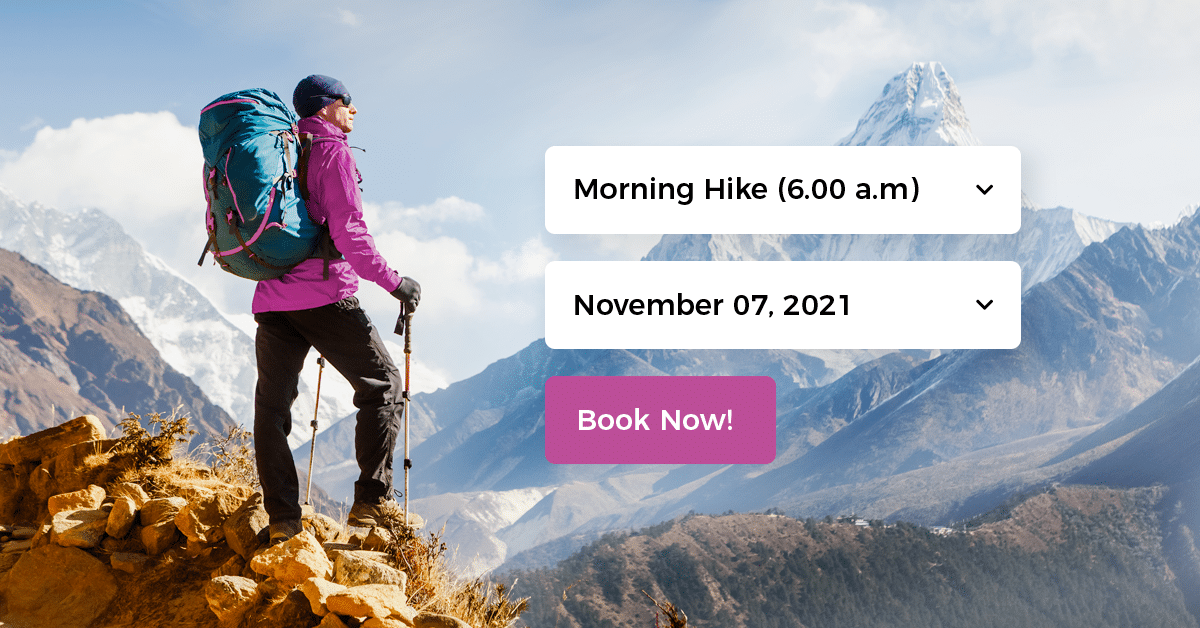
Introducing FooEvents Bookings
FooEvents Bookings makes it possible to setup managed time slots that can be used to create bookable events, activities, venues and services.

 English
  German
  Dutch
Dutch  Spanish
  Italian
  Portuguese
  French
  Polish
  Greek
Greek