-

Checkout Summit Case Study: Why a WooCommerce Conference Swapped DIY Ticketing for FooEvents
Running your own conference? FooEvents turns your WooCommerce site into a complete ticketing platform. Sell tickets, collect attendee details and check people in from your own website, with no commission or per-ticket fees. Learn more about FooEvents
-
How to Sell Tickets for Live Music Events with WooCommerce
In this guide, we will show you how to use WooCommerce and FooEvents to sell tickets for concerts and multi-day festivals, covering ticket setup, capacity, attendee management, check-ins and on-site sales. Selling tickets for a concert is easy. Running the ticketing operation around it is where things get complicated. You might need different ticket types,…
-
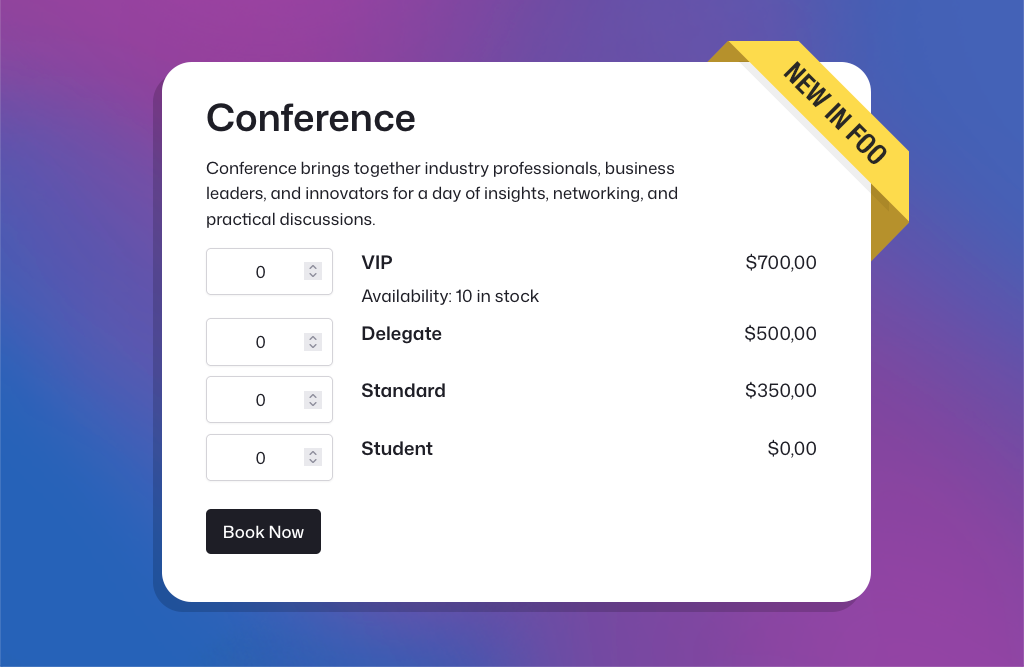
New: Faster Event Setup, Better Ticket Selection, and Improved Multi-day Check-ins
In March and April, we released several major new FooEvents features, and the feedback has been fantastic. Building on that momentum, our May release includes three popular feature requests that many FooEvents customers have been asking for. New Table Variation Layout Option We’ve added a new table variation display option that shows WooCommerce variations in…
-

Why FooEvents is the #1 Alternative to The Events Calendar in 2026
The WordPress event management landscape has undergone a seismic shift recently. For years, The Events Calendar was the default choice for many. But lately, the community has been buzzing with a different kind of energy—and it’s not the good kind. If you’ve been feeling the “corporate chill” from your current plugin provider, you aren’t alone.…
-
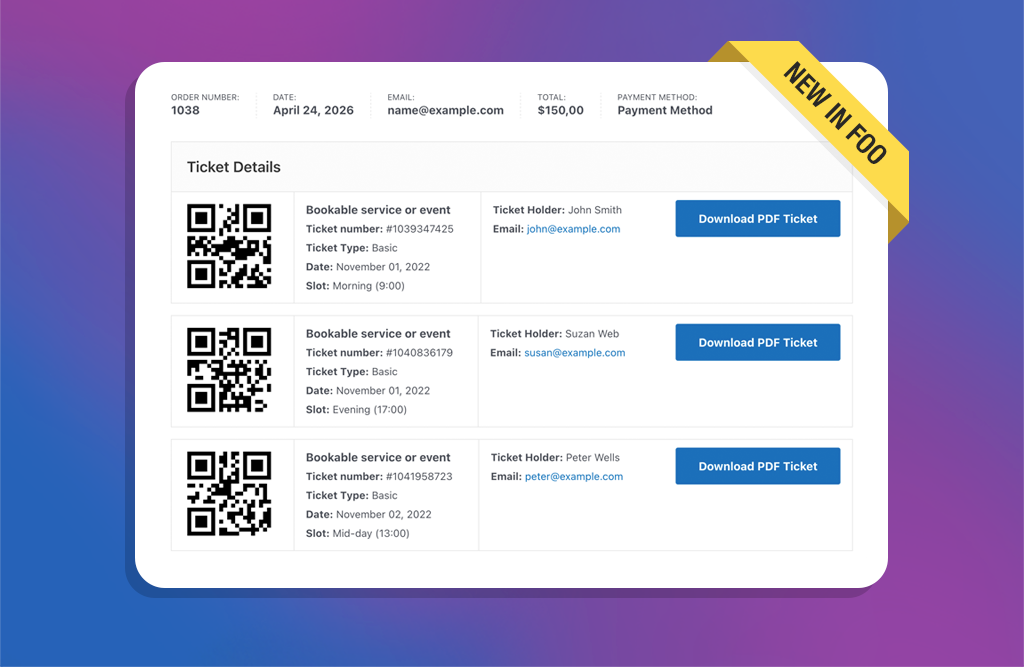
New: Display Ticket Details on the WooCommerce Thank You Page
A few weeks ago, we rolled out the new Attendee Details Page and checkout flow. It was a pivotal update that improved the ticket purchase experience and ensured full compatibility with both the WooCommerce Checkout Block and classic checkout experiences. With those core pieces now in place, we’ve turned our focus to popular feature requests…
-

Solving “Check-in” Friction: Lessons from Acute Inflections
Every event organizer knows that the “moment of truth” happens right at the entrance. This is where technical glitches or misplaced tickets can create immediate bottlenecks. For Elasea and Sadiki from Acute Inflections, New York’s premier jazzy R&B duo, the solution was moving tickets out of the inbox and directly into their attendees’ mobile wallets.…
-

Introducing the New Attendee Details Page and Easier Ticket Theme Updates
Introducing the new Attendee Details Page, easier ticket theme updates, version notices, PDF ticket folder protection, and an updated DOMPDF library in FooEvents for WooCommerce.
-

7 leading event trends in 2026 to watch (and what they mean for organizers)
If you’re planning events in 2026, you’re not just competing with other organizers. You’re competing with people’s calendars, budgets, attention spans, and the “I’ll decide later” mindset that never really went away. The good news: people still want to show up. They want experiences they can feel—music, community, learning, celebration, being part of something bigger…
-

How to Handle Holiday Event Registrations Without Website Slowdowns
Holiday event registrations can generate hundreds of ticket purchases in a short space of time. If your WooCommerce store isn’t prepared, slow pages and failed checkouts can follow. With the right hosting, caching rules, and FooEvents configuration, you can handle holiday traffic spikes, protect performance, and keep registrations flowing smoothly. Introduction Christmas markets, Santa photo…
-

Hybrid Events Made Easy: Combining In-Person and Virtual Experiences
Hybrid events—part in-person, part virtual—let you reach more people without doubling your workload. With FooEvents and WooCommerce, you can sell tickets, check in guests, and host live sessions online or at a physical venue using one central event management system. This post covers how to set up and manage hybrid events that feel cohesive and…
-
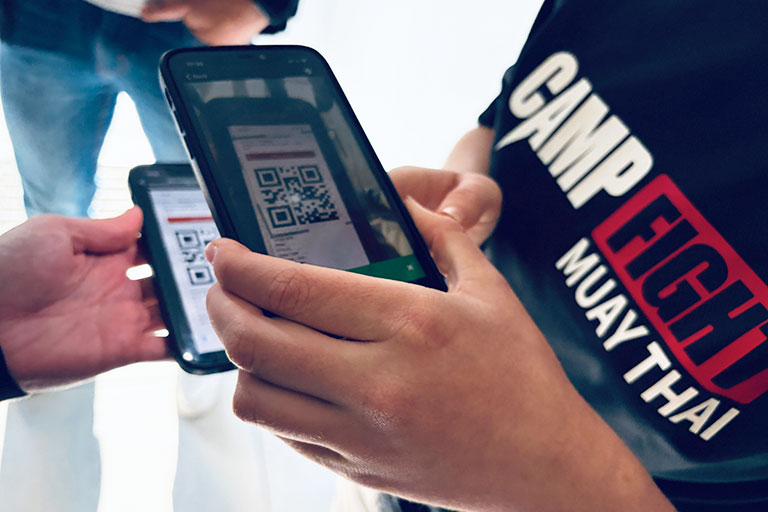
Camp Fight Case Study: Small Members-Only Event, Heavyweight Ticketing
Camp Fight, a Cape Town–based Muay Thai fitness center, recently ran a small members-only event for its community and invited guests. The goal wasn’t to chase huge volumes but to run a friendly, professional, well-organized event for its members. FooEvents delivered the same core toolkit used by much larger events—QR tickets, seating tiers, rapid check-ins,…
-
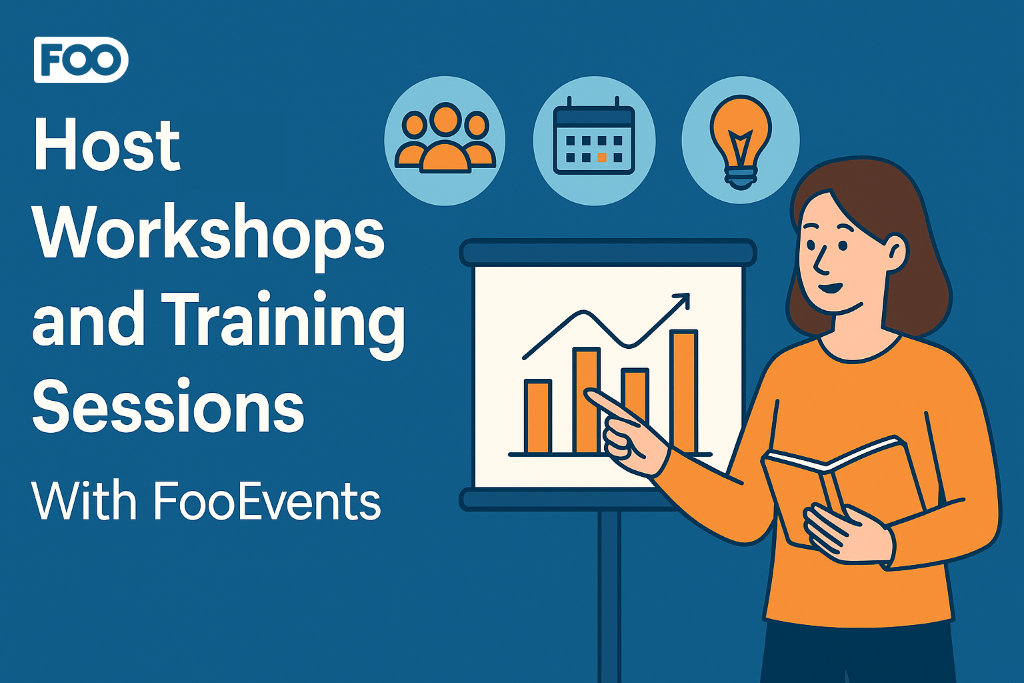
Host Workshops and Training Sessions With FooEvents
Use FooEvents with WooCommerce to host workshops and courses, collect attendee details, manage multi-date events, and check in attendees on the day of the event. This guide shows setup steps, page placement tips, recurring-session options, and validation checks before launch. Introduction Workshops usually run on tight timelines. You need clear schedules, simple sign-ups, and accurate…
-
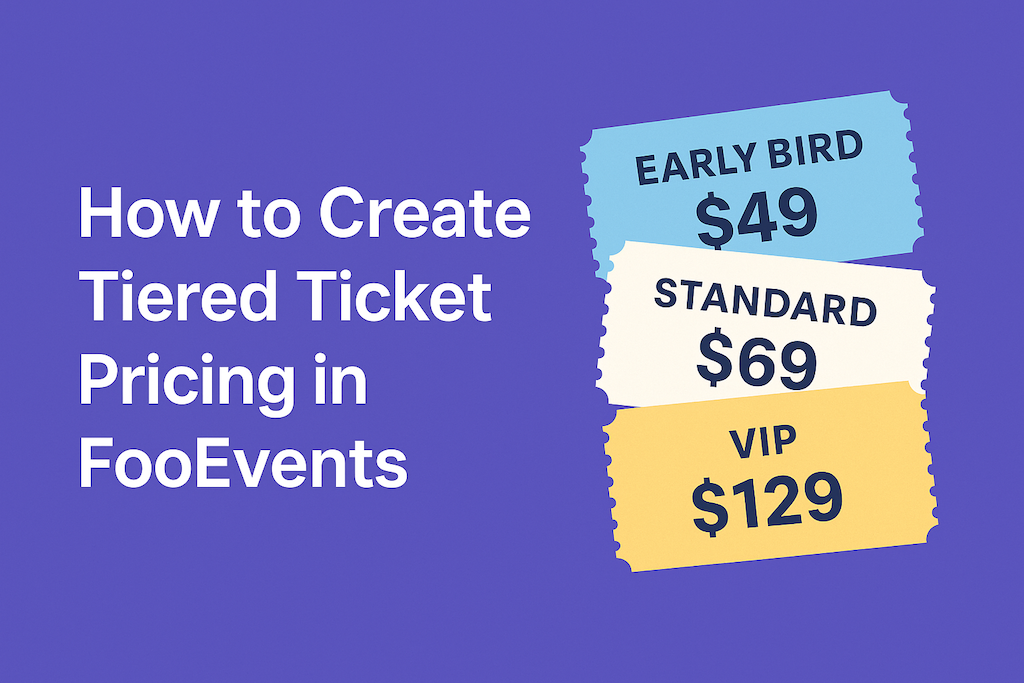
How to Create Tiered Ticket Pricing in FooEvents
Tiered ticket pricing lets you offer different ticket types—like Early Bird, Standard, and VIP—without additional plugins. With FooEvents and WooCommerce, you can build tiers as product variations, set prices and stock per tier, and collect attendee details per ticket. This post shows you how to set it up and validate it from start to finish.…
-
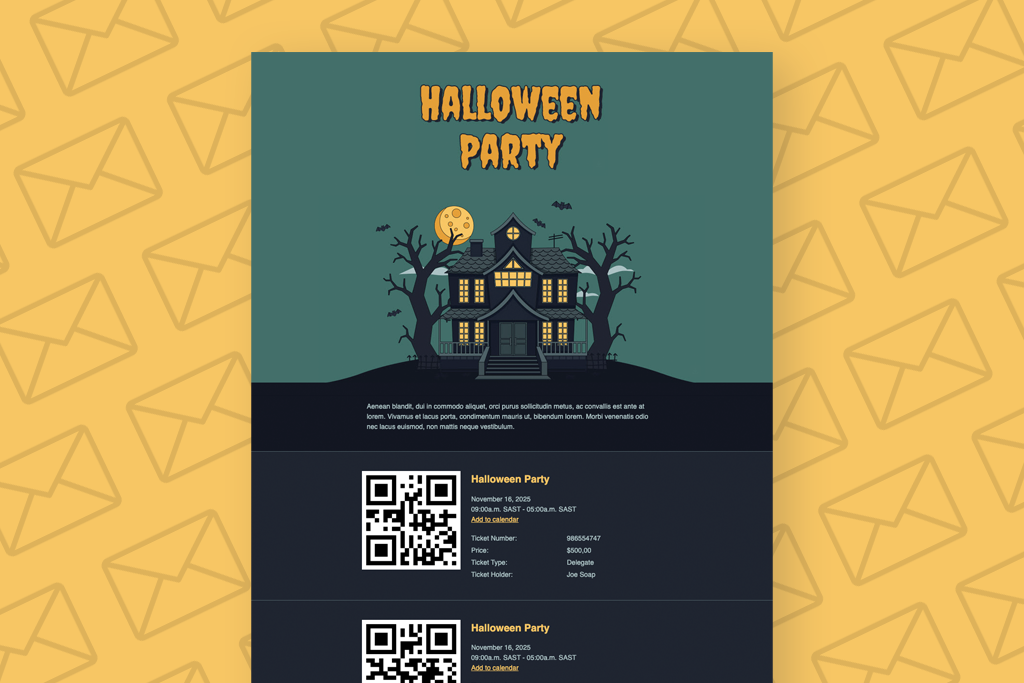
How to Create a Custom Halloween Ticket Theme
Halloween is around the corner, so in this article I am going to show you how to create a Custom Halloween Ticket Theme and make it our own. By modifying a simple template and CSS, we will transform the Pavilion Ticket Theme into a spooky, Halloween-inspired design that’s perfect for your next Halloween event. A…
-

How to Use FooEvents Shortcodes in WordPress
FooEvents shortcodes let you drop event information, ticket forms, and calendars anywhere in your WordPress site without custom coding. They’re flexible, beginner-friendly, and give you control over how event content shows up. This guide walks you through the main shortcodes, when to use them, and where to find extra help. Introduction If you’ve spent time…
-
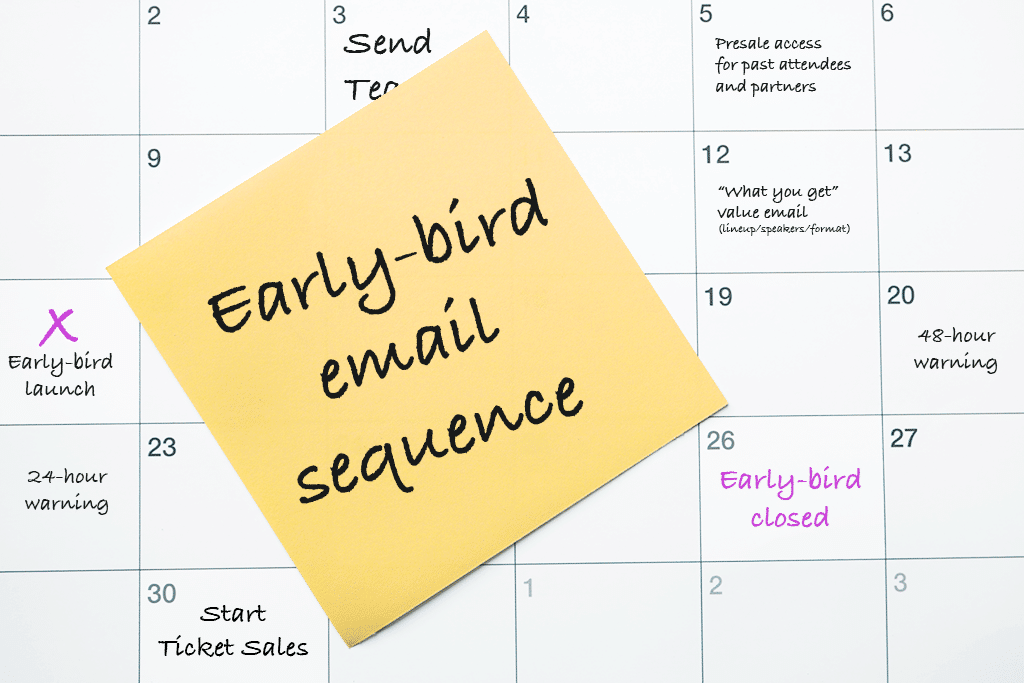
Early-Bird Campaign: 10 Effective Email Templates
An Early-bird campaign isn’t “just a coupon”. It’s a short, surgical window that rewards decisive buyers and kickstarts momentum, without teaching everyone to wait for a sale. Below is a practical, day-by-day plan you can drop into your calendar, plus copy-ready email drafts. Works great with WooCommerce and FooEvents (stock limits, usage limits, and automatic…
-

Make Your Tickets Mobile-Friendly with AddToWallet Integration
Managing events can be challenging, especially when attendees forget to print out their tickets or struggle to find them in their inbox at the door. To help solve this, FooEvents now integrates with AddToWallet, making it possible for attendees to store their tickets directly in Apple Wallet or Google Wallet on their mobile phones. A…
-

Search and View Ticket Details in FooEvents POS
We recently released version 1.10.1 of the FooEvents POS plugin. This update introduces the ability to search and view individual ticket details directly in the Orders section of FooSales POS apps. Here’s how this will help you better manage your events: Whether you’re resolving a question, issuing a refund, or confirming a booking, the details…
-

FooEvents Adds Partial Support for the WooCommerce Checkout Block
We’ve just released version 1.20.2 of the FooEvents for WooCommerce plugin, which introduces partial compatibility with the new WooCommerce Checkout and Cart blocks. To take full advantage of this update, please ensure all your installed FooEvents extensions are also updated to their latest versions. This update makes it possible to use the new WooCommerce Checkout…
-

Introducing the New FooEvents Check-ins App V3
The FooEvents Check-ins app, which was released way back in 2016, has been the backbone of event check-ins for thousands of FooEvents customers—checking in over 15 million tickets to date. It has evolved considerably since the initial launch and we’re thrilled to unveil a completely rebuilt FooEvents Check-ins App (version 3.0.0), which will begin rolling…
-

Introducing the Base Collection: 8 Free Ticket Themes
We’re excited to announce the release of the Base Collection—a new range of versatile free ticket themes for FooEvents. When using the FooEvents for WooCommerce plugin to sell ticket, attendees receive an HTML ticket email after purchasing a ticket. Ticket themes are templates that allow you to customize the look and feel of these ticket emails.…

FooEvents Blog
Get the scoop on the latest FooEvents features and learn tips and tricks that will enhance your product experience.
Subscribe to the blog digest
Receive a summary of the latest posts in your inbox.
 English
  German
  Dutch
Dutch  Spanish
  Italian
  Portuguese
  French
  Polish
  Greek
Greek