-
Release notes – 17 April 2023
This week we released updates to the FooEvents plugins that addressed various minor issues and updates to the FooEvents Stationery Builder and Zoom Integration. FooEvents Stationery Builder We added support for BOCA printer sizes to the FooEvents Stationery Builder as well as a fourth column to the stationery builder layout. You can now choose from…
-

How to use shortcodes to embed event calendars on your WordPress site
In WordPress, a shortcode is a small piece of code that allows you to add dynamic content to your pages, posts, and widgets. Shortcodes are represented by square brackets [ ] and are used to embed various types of content such as images, audio, video, forms, and more. If you’re using FooEvents to manage your…
-

Engage with your customers and attendees using WooCommerce Follow-ups
MPORTANT: As of 31 May 2023, WooCommerce has retired the WooCommerce Follow-Ups extension and recommends customers rather use their AutomateWoo extension. WooCommerce Follow-ups is no longer available for purchase on WooCommerce.com. WooCommerce will continue to support its WooCommerce Follow-ups extension until May 2024, however, it appears no further plugin updates will be released by WooCommerce. We have implemented a similar integration with AutomateWoo which we recommend as…
-

The possibilities are endless with our new Mailchimp integration
We recently released our long awaited integration with Mailchimp which includes the ability to automatically add attendees to a Mailchimp audience list when tickets are generated. You can also specify default tags or event-specific tags that can be used to segment your Mailchimp list which opens up a host of exciting possibilities with FooEvents! To…
-

Introducing the all new FooEvents Check-ins app
In recent years, almost 1 million attendees have been checked-in through the FooEvents Check-ins app. When dealing with large numbers like this, shaving off seconds can make a considerable difference and save thousands of hours collectively. To help you ensure that your attendee check-ins are processed in the fastest and most reliable way possible, we’ve…
-

What’s been happening at FooEvents
Since the new year is now in full swing and the FooEvents team has been working hard on some exciting product updates that will be released this year, we thought it would be a good idea to highlight a few of the key improvements and enhancements that we rolled out in 2018. FooEvents for WooCommerce We implemented…
-
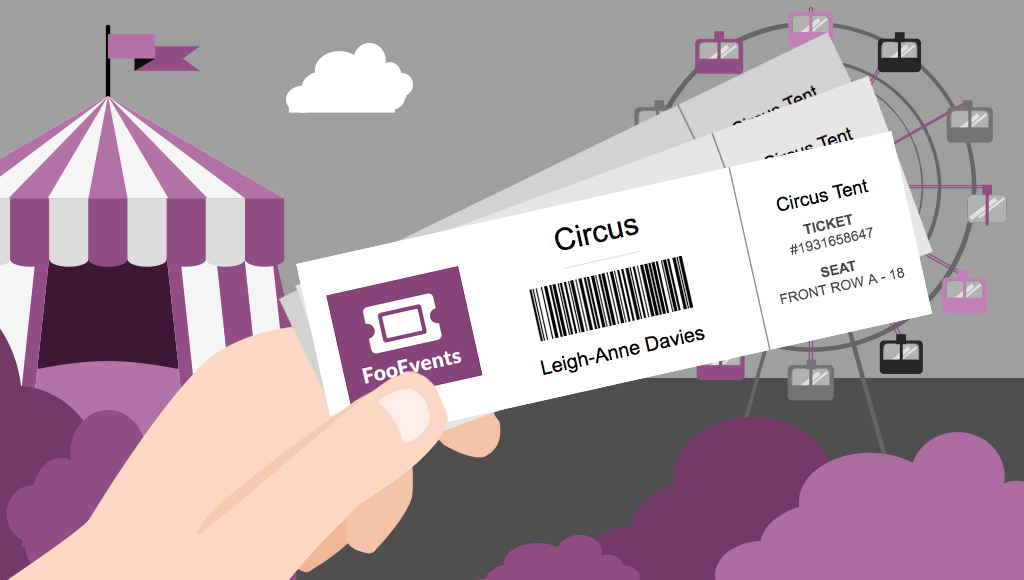
Sell tickets anywhere with ticket printing functionality
Would you like to be able to hand your event attendees a physical ticket? Are you looking for a way to sell tickets at your event or perhaps to a class or tour? We’ve got you covered! The new FooEvents “Print Tickets” functionality is now a standard feature in FooEvents for WooCommerce which allows you to…
-

Make your event exceptional with attendee badges
UPDATE: The new FooEvents Stationery Builder has replaced the attendee badge functionality and you can now design and print custom name tags, wristbands, tickets, badges and personalized labels through an intuitive drag & drop interface. Would you like name tags, badges or personalized labels for the attendees at your event? We thought so! This is…

 English
  German
  Dutch
Dutch  Spanish
  Italian
  Portuguese
  French
  Polish
  Greek
Greek