People Enjoying A Live Concert At A Music Festival For Event Trends 2026.

7 leading event trends in 2026 to watch (and what they mean for organizers)

If you’re planning events in 2026, you’re not just competing with other organizers. You’re competing with people’s calendars, budgets, attention spans, and the “I’ll decide later” mindset that never really went away. The good news: people still want to show up. They want experiences they can feel—music, community, learning, celebration, being part of something bigger

7 leading event trends in 2026 to watch (and what they mean for organizers) Read More »

Holiday Event Blog Header

How to Handle Holiday Event Registrations Without Website Slowdowns

Holiday event registrations can generate hundreds of ticket purchases in a short space of time. If your WooCommerce store isn’t prepared, slow pages and failed checkouts can follow. With the right hosting, caching rules, and FooEvents configuration, you can handle holiday traffic spikes, protect performance, and keep registrations flowing smoothly. Introduction Christmas markets, Santa photo

How to Handle Holiday Event Registrations Without Website Slowdowns Read More »

Hybrid Events Image

Hybrid Events Made Easy: Combining In-Person and Virtual Experiences

Hybrid events—part in-person, part virtual—let you reach more people without doubling your workload. With FooEvents and WooCommerce, you can sell tickets, check in guests, and host live sessions online or at a physical venue using one central event management system. This post covers how to set up and manage hybrid events that feel cohesive and

Hybrid Events Made Easy: Combining In-Person and Virtual Experiences Read More »

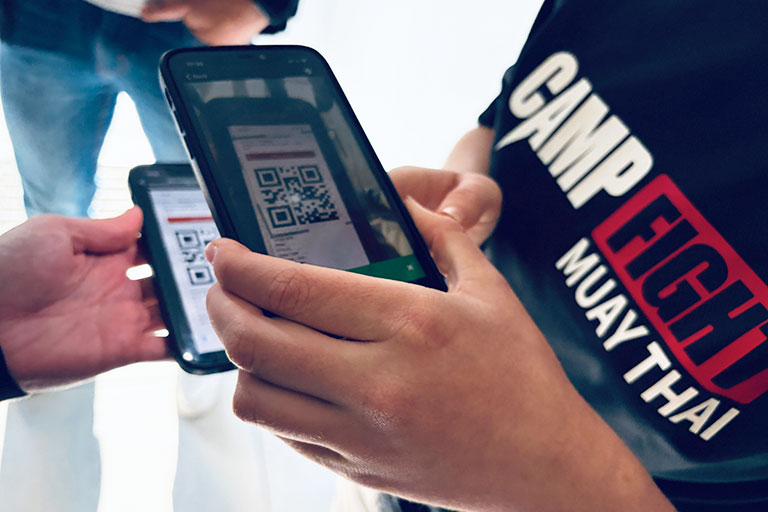
Camp Fight Fooevents

Camp Fight Case Study: Small Members-Only Event, Heavyweight Ticketing

Camp Fight, a Cape Town–based Muay Thai fitness center, recently ran a small members-only event for its community and invited guests. The goal wasn’t to chase huge volumes but to run a friendly, professional, well-organized event for its members. FooEvents delivered the same core toolkit used by much larger events—QR tickets, seating tiers, rapid check-ins,

Camp Fight Case Study: Small Members-Only Event, Heavyweight Ticketing Read More »

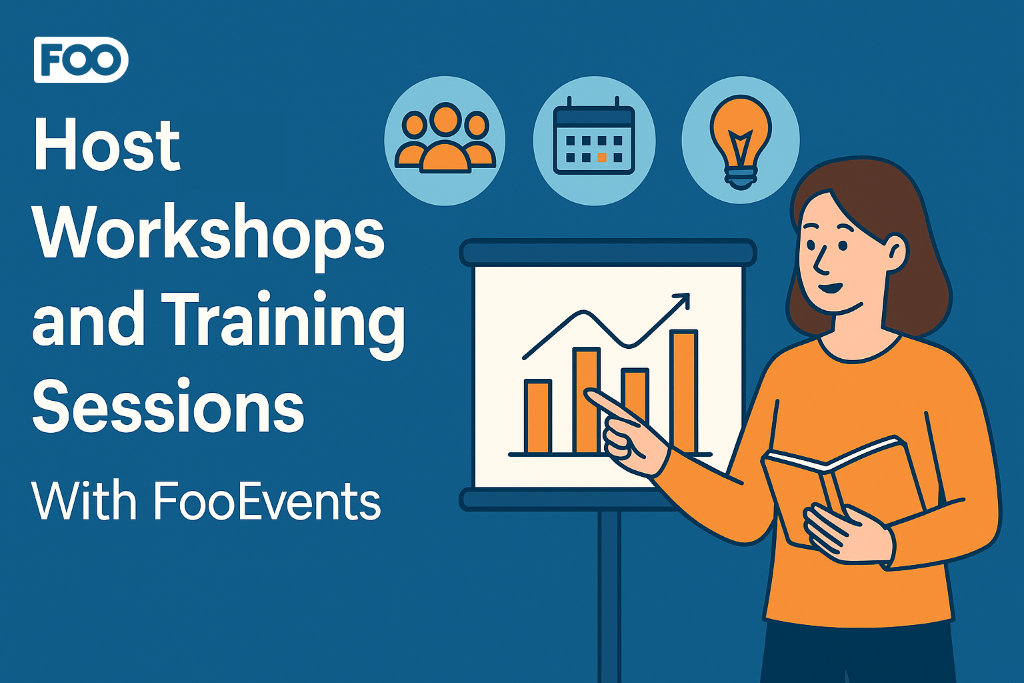
Host Workshops And Training Header

Host Workshops and Training Sessions With FooEvents

Use FooEvents with WooCommerce to host workshops and courses, collect attendee details, manage multi-date events, and check in attendees on the day of the event. This guide shows setup steps, page placement tips, recurring-session options, and validation checks before launch. Introduction Workshops usually run on tight timelines. You need clear schedules, simple sign-ups, and accurate

Host Workshops and Training Sessions With FooEvents Read More »

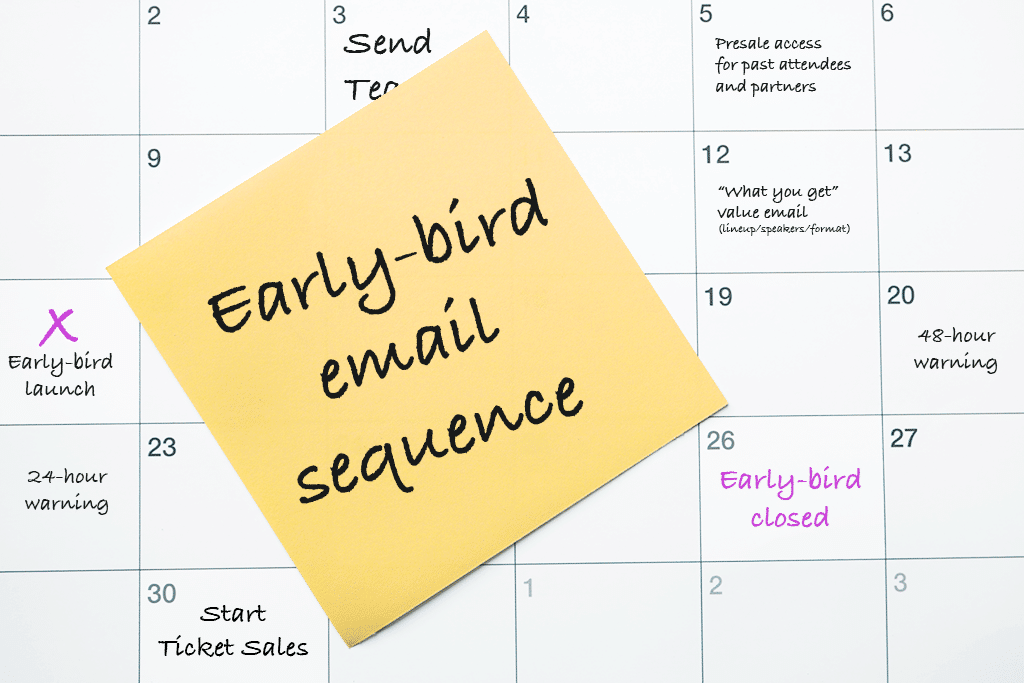
Early-Bird Campaign Note On A Yellow Sticky Note

Early-Bird Campaign: 10 Effective Email Templates

An Early-bird campaign isn’t “just a coupon”. It’s a short, surgical window that rewards decisive buyers and kickstarts momentum, without teaching everyone to wait for a sale. Below is a practical, day-by-day plan you can drop into your calendar, plus copy-ready email drafts. Works great with WooCommerce and FooEvents (stock limits, usage limits, and automatic

Early-Bird Campaign: 10 Effective Email Templates Read More »

Fooevents Check-Ins App Scanning Apple Or Android Wallet Pass

Make Your Tickets Mobile-Friendly with AddToWallet Integration

Managing events can be challenging, especially when attendees forget to print out their tickets or struggle to find them in their inbox at the door. To help solve this, FooEvents now integrates with AddToWallet, making it possible for attendees to store their tickets directly in Apple Wallet or Google Wallet on their mobile phones. A

Make Your Tickets Mobile-Friendly with AddToWallet Integration Read More »

Release Notes

FooEvents Adds Partial Support for the WooCommerce Checkout Block

We’ve just released version 1.20.2 of the FooEvents for WooCommerce plugin, which introduces partial compatibility with the new WooCommerce Checkout and Cart blocks. To take full advantage of this update, please ensure all your installed FooEvents extensions are also updated to their latest versions. This update makes it possible to use the new WooCommerce Checkout

FooEvents Adds Partial Support for the WooCommerce Checkout Block Read More »

Fooevents Check-Ins Apps

Introducing the New FooEvents Check-ins App V3

The FooEvents Check-ins app, which was released way back in 2016, has been the backbone of event check-ins for thousands of FooEvents customers—checking in over 15 million tickets to date. It has evolved considerably since the initial launch and we’re thrilled to unveil a completely rebuilt FooEvents Check-ins App (version 3.0.0), which will begin rolling

Introducing the New FooEvents Check-ins App V3 Read More »

Base Collection - Free Fooevents Ticket Themes

Introducing the Base Collection: 8 Free Ticket Themes

We’re excited to announce the release of the Base Collection—a new range of versatile free ticket themes for FooEvents. When using the FooEvents for WooCommerce plugin to sell ticket, attendees receive an HTML ticket email after purchasing a ticket. Ticket themes are templates that allow you to customize the look and feel of these ticket emails.

Introducing the Base Collection: 8 Free Ticket Themes Read More »

Meet The New Fooevents Calendar Block And Fooevents Attendee Listing Block

Introducing the New FooEvents Calendar and Attendee Listing Blocks

In this post, we will take a look at the new FooEvents Calendar Block and FooEvents Attendee Listing Block, as well as updates to the FooEvents Express Check-ins plugin and FooEvents Ticket Importer. Earlier this year, we released our first WordPress block called the FooEvents Event Listing Block. It has been a massive hit and

Introducing the New FooEvents Calendar and Attendee Listing Blocks Read More »

Image Of A Smiling Redhead Woman Holding A Credit Card, With Stripe, Paypal, And Visa Logos Floating Around Her To Illustrate Choosing A Payment Gateway.

How to Choose the Best Payment Gateway for Online Ticket Sales

In this post, we explore how to choose the perfect payment gateway for your online ticket sales, providing insights on the top factors to consider and how FooEvents and WooCommerce can give you the flexibility and control you need for seamless transactions. When it comes to selling tickets for your events, the ability to accept

How to Choose the Best Payment Gateway for Online Ticket Sales Read More »

5 Essential Free Wordpress Event Site Admin Plugins Cover Image

5 Essential Free WordPress Event Site Admin Plugins

When you’re setting up a WordPress event site, most articles will recommend the usual suspects—security, caching, SEO, forms, multilingual, and content plugins. And while those are essential, they often overlook backend tools that can make or break your site’s performance, especially if you’re running a WooCommerce store and using FooEvents to sell tickets. In this

5 Essential Free WordPress Event Site Admin Plugins Read More »

Send Ticket Emails With Smtp

Boost Email Delivery: Send Ticket Emails using SMTP

Ensuring that your WordPress site is able to send ticket emails reliably is crucial to the success of your event. While WordPress’s default email sending method is convenient, it comes with limitations that can affect the reliability of email delivery. In this article, we’ll explore these limitations, discuss how FooEvents manages ticket emails, and provide

Boost Email Delivery: Send Ticket Emails using SMTP Read More »

Shopping Cart