-
New: Faster Event Setup, Better Ticket Selection, and Improved Multi-day Check-ins
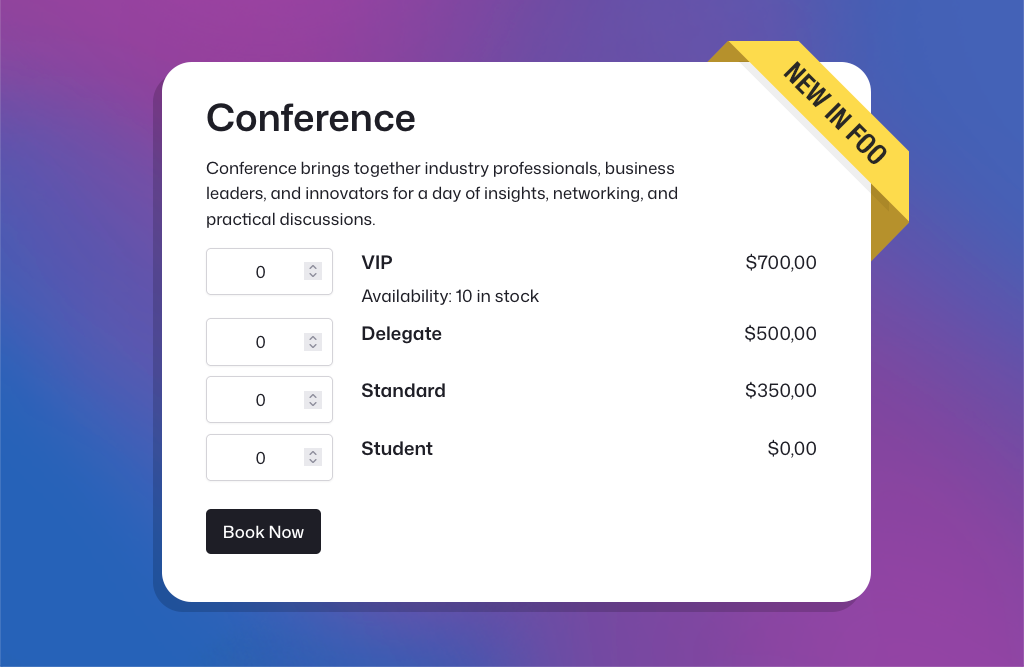
In March and April, we released several major new FooEvents features, and the feedback has been fantastic. Building on that momentum, our May release includes three popular feature requests that many FooEvents customers have been asking for. New Table Variation Layout Option We’ve added a new table variation display option that shows WooCommerce variations in…
-
New: Display Ticket Details on the WooCommerce Thank You Page
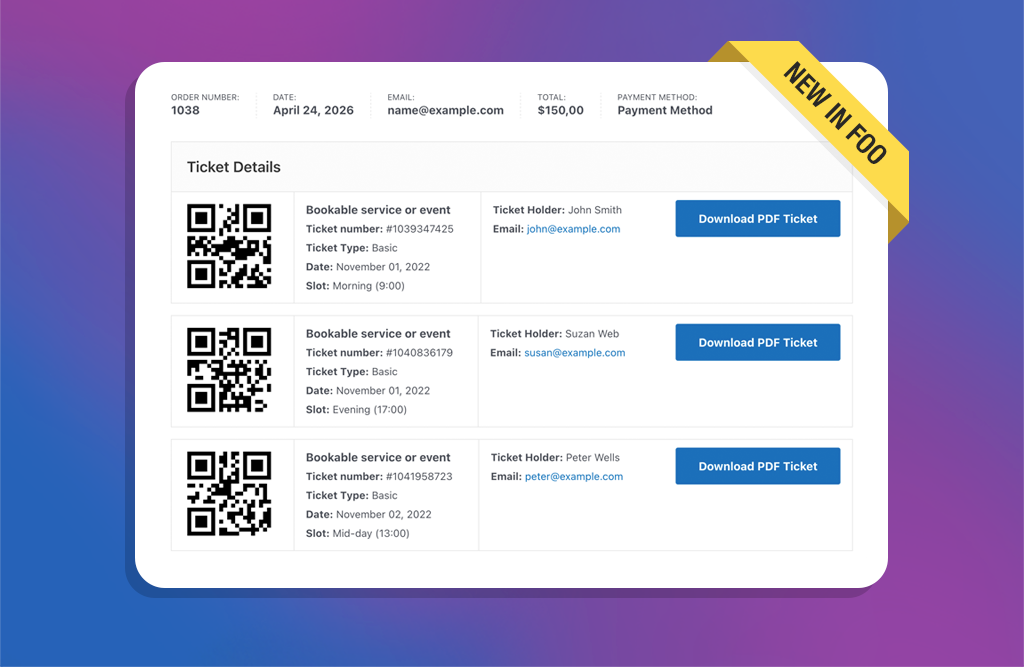
A few weeks ago, we rolled out the new Attendee Details Page and checkout flow. It was a pivotal update that improved the ticket purchase experience and ensured full compatibility with both the WooCommerce Checkout Block and classic checkout experiences. With those core pieces now in place, we’ve turned our focus to popular feature requests…
-

Introducing the New Attendee Details Page and Easier Ticket Theme Updates
Introducing the new Attendee Details Page, easier ticket theme updates, version notices, PDF ticket folder protection, and an updated DOMPDF library in FooEvents for WooCommerce.
-

Make Your Tickets Mobile-Friendly with AddToWallet Integration
Managing events can be challenging, especially when attendees forget to print out their tickets or struggle to find them in their inbox at the door. To help solve this, FooEvents now integrates with AddToWallet, making it possible for attendees to store their tickets directly in Apple Wallet or Google Wallet on their mobile phones. A…
-

Introducing the New FooEvents Check-ins App V3
The FooEvents Check-ins app, which was released way back in 2016, has been the backbone of event check-ins for thousands of FooEvents customers—checking in over 15 million tickets to date. It has evolved considerably since the initial launch and we’re thrilled to unveil a completely rebuilt FooEvents Check-ins App (version 3.0.0), which will begin rolling…
-

Introducing the Base Collection: 8 Free Ticket Themes
We’re excited to announce the release of the Base Collection—a new range of versatile free ticket themes for FooEvents. When using the FooEvents for WooCommerce plugin to sell ticket, attendees receive an HTML ticket email after purchasing a ticket. Ticket themes are templates that allow you to customize the look and feel of these ticket emails.…
-

Introducing the New FooEvents Calendar and Attendee Listing Blocks
In this post, we will take a look at the new FooEvents Calendar Block and FooEvents Attendee Listing Block, as well as updates to the FooEvents Express Check-ins plugin and FooEvents Ticket Importer. Earlier this year, we released our first WordPress block called the FooEvents Event Listing Block. It has been a massive hit and…
-

Split Payments Now Available in FooEvents POS
Imagine you’re selling tickets at and event and a group approaches and wants to buy tickets together, but everyone wants to pay their share using different methods. In the past, this would require creating multiple orders in FooEvents POS. Now, with the new split payments feature you can add multiple payments to a single order.
-

Introducing the FooEvents Event Listing Block
It’s been a busy few weeks for us here at FooEvents HQ, and we think you will love what we have been up to! This week we launched our very first WordPress block, called the FooEvents Event Listing Block. This exciting new addition is included in the main FooEvents for WooCommerce (v1.19.9) plugin and makes…
-

12 automated event emails that will boost attendee engagement
We’re thrilled to announce that you can now send automated event emails and SMS messages based on custom triggers for an event or booking using the AutomateWoo extension. Effective communication is key to the success of any event or booking system. Automated emails and SMS messages enhance the attendee experience by providing timely reminders, important…
-

FooEvents Translations Speak Your Language
A fun fact about FooEvents is that our customers are globally dispersed and, for many, English is not their first language. This means that a considerable number of customers use the FooEvents back-end in English rather than their native tongue, which can be really challenging. It’s no surprise then, that we get a lot of…
-

Important Zoom API update
As you may know, FooEvents integrates with Zoom making it possible to sell access to Zoom meetings and webinars. FooEvents does this by connecting securely to your Zoom account via Zoom’s app API. Previously, FooEvents integrated with Zoom using their JWT app, however, on June 1, 2023 Zoom will be deprecating (discontinuing) the JWT app type in…
-
Release notes – 17 April 2023
This week we released updates to the FooEvents plugins that addressed various minor issues and updates to the FooEvents Stationery Builder and Zoom Integration. FooEvents Stationery Builder We added support for BOCA printer sizes to the FooEvents Stationery Builder as well as a fourth column to the stationery builder layout. You can now choose from…
-

How to use ChatGPT for events
The events industry is rapidly evolving, and so are the tools and technologies used to plan and execute successful events. With the advent of advanced artificial intelligence (AI), event managers now have a valuable resource at their disposal to streamline their operations and enhance their guests’ experience. One such tool is ChatGPT, an OpenAI-powered language…
-

Introducing FooEvents POS – Event Point of Sale
One of the most requested features that we’ve received from customers at an increasing frequency over the last few years, is the ability to sell and print event tickets at the door in addition to selling them online using FooEvents. A “box office” event point of sale solution if you like. We also discovered that…
-

Celebrating 7 years of FooEvents
We’re celebrating our 7th birthday today! Time flies when you are having fun and the past 7 years seem to have passed in the blink of an eye. When we first launched FooEvents, we never imagined that a WooCommerce events plugin would evolve into helping thousands of businesses around the world sell millions of tickets…
-

Create fully multilingual event websites thanks to seamless FooEvents and WPML integration
WordPress Multilingual (WPML) makes it easy to run a multilingual website with a single WordPress installation and it comes pre-installed with over 40 languages. You can also add your own language variants (like Canadian French or Mexican Spanish) using WPML’s languages editor. Simply choose the languages you want and start translating your content! We’ve worked…
-

Ending the year on a high – 3 million attendee check-ins!
We hope that your year has been successful and that you are ready to clear the mind before 2022! For us, 2021 has been a phenomenal year with much to be thankful for. FooEvents has experienced growth in almost all areas and what better way to end off the year than by celebrating the massive…
-

We’ve Reached 2 Million Attendee Check-ins!
Last year we celebrated reaching 1 million attendee check-ins logged in the FooEvents Check-ins apps. It was a huge milestone for us at the time which took almost 4 years to achieve. Less than a year later, the check-ins have doubled, bringing the total to 2 million check-ins! To say we are elated is an…
-

Block seats, add aisles and more with the latest FooEvents Seating update
Venues around the world have had to rework their seating arrangements to ensure the safety of their customers and guest and comply with local COVID-19 guidelines. In order to help ensure that you are compliant with your seating and area management, we have included the ability to block off seats and add additional aisles in…
-

Introducing Bookable Zoom Meetings
Early on in 2020, in response to the COVID-19 pandemic, we integrated FooEvents with Zoom as a way for you to sell access to virtual events directly from your WordPress website. Our Zoom integration experienced massive uptake and has become a vital part of our offering. We also launched the FooEvents Bookings extension, which makes…

Announcement
The latest news from FooEvents, including major feature launches, important milestones, and updates worth knowing about.
 English
  German
  Dutch
Dutch  Spanish
  Italian
  Portuguese
  French
  Polish
  Greek
Greek