How-to

Holiday Event Blog Header

How to Handle Holiday Event Registrations Without Website Slowdowns

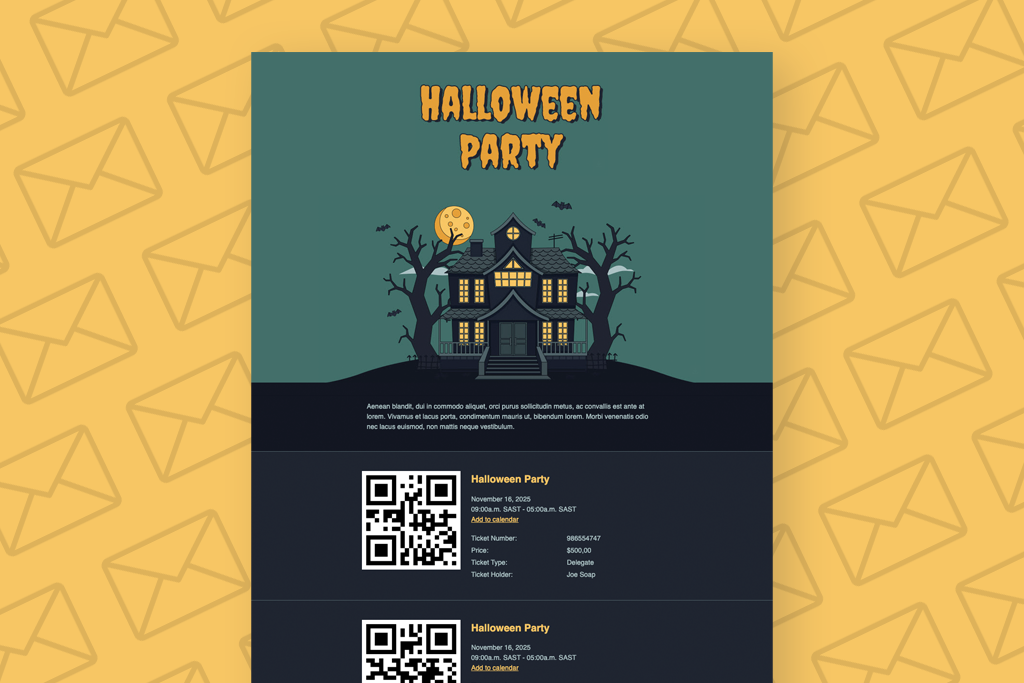
Holiday event registrations can generate hundreds of ticket purchases in a short space of time. If your WooCommerce store isn’t prepared, slow pages and failed checkouts can follow. With the right hosting, caching rules, and FooEvents configuration, you can handle holiday traffic spikes, protect performance, and keep registrations flowing smoothly. Introduction Christmas markets, Santa photo […]

How to Handle Holiday Event Registrations Without Website Slowdowns Read More »

Hybrid Events Image

Hybrid Events Made Easy: Combining In-Person and Virtual Experiences

Hybrid events—part in-person, part virtual—let you reach more people without doubling your workload. With FooEvents and WooCommerce, you can sell tickets, check in guests, and host live sessions online or at a physical venue using one central event management system. This post covers how to set up and manage hybrid events that feel cohesive and

Hybrid Events Made Easy: Combining In-Person and Virtual Experiences Read More »

Host Workshops And Training Header

Host Workshops and Training Sessions With FooEvents

Use FooEvents with WooCommerce to host workshops and courses, collect attendee details, manage multi-date events, and check in attendees on the day of the event. This guide shows setup steps, page placement tips, recurring-session options, and validation checks before launch. Introduction Workshops usually run on tight timelines. You need clear schedules, simple sign-ups, and accurate

Host Workshops and Training Sessions With FooEvents Read More »

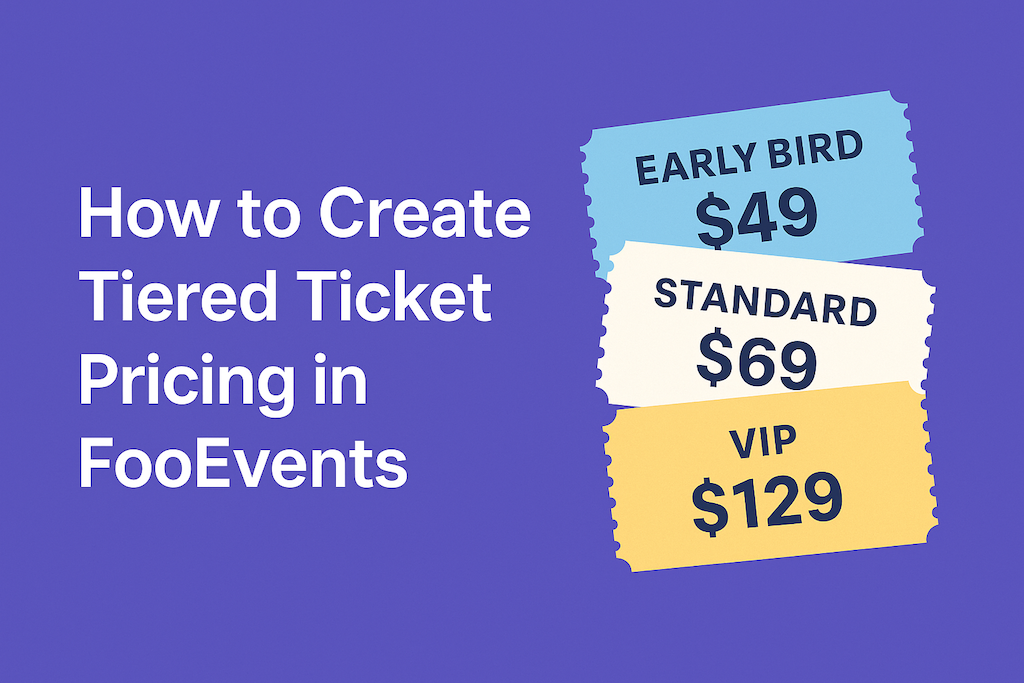
Fe Tiered Pricing 2

How to Create Tiered Ticket Pricing in FooEvents

Tiered ticket pricing lets you offer different ticket types—like Early Bird, Standard, and VIP—without additional plugins. With FooEvents and WooCommerce, you can build tiers as product variations, set prices and stock per tier, and collect attendee details per ticket. This post shows you how to set it up and validate it from start to finish.

How to Create Tiered Ticket Pricing in FooEvents Read More »

Fooevents Shortcodes

How to Use FooEvents Shortcodes in WordPress

FooEvents shortcodes let you drop event information, ticket forms, and calendars anywhere in your WordPress site without custom coding. They’re flexible, beginner-friendly, and give you control over how event content shows up. This guide walks you through the main shortcodes, when to use them, and where to find extra help. Introduction If you’ve spent time

How to Use FooEvents Shortcodes in WordPress Read More »

5 Essential Free Wordpress Event Site Admin Plugins Cover Image

5 Essential Free WordPress Event Site Admin Plugins

When you’re setting up a WordPress event site, most articles will recommend the usual suspects—security, caching, SEO, forms, multilingual, and content plugins. And while those are essential, they often overlook backend tools that can make or break your site’s performance, especially if you’re running a WooCommerce store and using FooEvents to sell tickets. In this

5 Essential Free WordPress Event Site Admin Plugins Read More »

Send Ticket Emails With Smtp

Boost Email Delivery: Send Ticket Emails using SMTP

Ensuring that your WordPress site is able to send ticket emails reliably is crucial to the success of your event. While WordPress’s default email sending method is convenient, it comes with limitations that can affect the reliability of email delivery. In this article, we’ll explore these limitations, discuss how FooEvents manages ticket emails, and provide

Boost Email Delivery: Send Ticket Emails using SMTP Read More »

Css View Transitions Feature Image Design Of A Lightbulb

CSS View Transitions: A New and Easy Way to Animate Your Website

In this post, we explore a new CSS animation feature currently being rolled out, known as CSS View Transitions. We’ll take a look at how CSS View Transitions make it easy to add smooth, engaging animations to any WordPress or WooCommerce site. Last week, we attended WordCamp Cape Town 2023 in South Africa. The local

CSS View Transitions: A New and Easy Way to Animate Your Website Read More »

Women Holding Up A Phone With A Ticket And Qr Code That Can Be Scanned At Ticket Check-Ins

4 Ways to Enhance Ticket Check-ins with the FooEvents Check-ins App

Ticket check-ins are crucial to the success of any event. In this article we will look at four ways to improve attendee check-ins using the FooEvents Check-ins app. The FooEvents Check-ins app offers several features designed to significantly enhance your ticket check-in process. By making these simple adjustments to the app settings, you can ensure

4 Ways to Enhance Ticket Check-ins with the FooEvents Check-ins App Read More »

Fooevents Tour Booking System

How to Build a Powerful Tour Booking System on WordPress

In this blog post, we will explore how a tour booking system can simplify both online and in-person bookings, and become an invaluable tool for managing your bookings and attendees efficiently. I recently had the pleasure of attending WordCamp Europe 2024 in Turin Italy. The conference was a great experience, and I enjoyed connecting with

How to Build a Powerful Tour Booking System on WordPress Read More »

Fooevents And Automatewoo Cover Image

12 automated event emails that will boost attendee engagement

We’re thrilled to announce that you can now send automated event emails and SMS messages based on custom triggers for an event or booking using the AutomateWoo extension. Effective communication is key to the success of any event or booking system. Automated emails and SMS messages enhance the attendee experience by providing timely reminders, important

12 automated event emails that will boost attendee engagement Read More »

Using Elementor To Create Calendar Pages With Fooevents

Create an Elementor Event Calendar using FooEvents (2024)

In this tutorial, we’ll show you how to add an event calendar Elementor using FooEvents in 2024. The calendars will display multiple events that are displayed in various tabs using different display modes. Step 1: Install Elementor and FooEvents Calendar plugins First you will need to make sure that you have the Elementor plugin installed. It

Create an Elementor Event Calendar using FooEvents (2024) Read More »

Shopping Cart